 Delhi Chokes On Diwali: AQI in 'very poor' category, smog envelops capital, Jahangirpuri worst at 464
 Ramayana box office collection day 4: Ranbir Kapoor, Yash film mints Rs 500 crore in opening weekend
 Egypt Train Accident: 4 dead, 90 injured after 2 trains collide near Cairo, carriages derailed
 End Of Netanyahu Era? Ex-Army Chief Gadi Eisenkot gets mandate to form Israel govt
 'Giant Step Back In History': Donald Trump calls midterm results setback after Democrats sweep CongressDelhi Chokes On Diwali: AQI in 'very poor' category, smog envelops capital, Jahangirpuri worst at 464
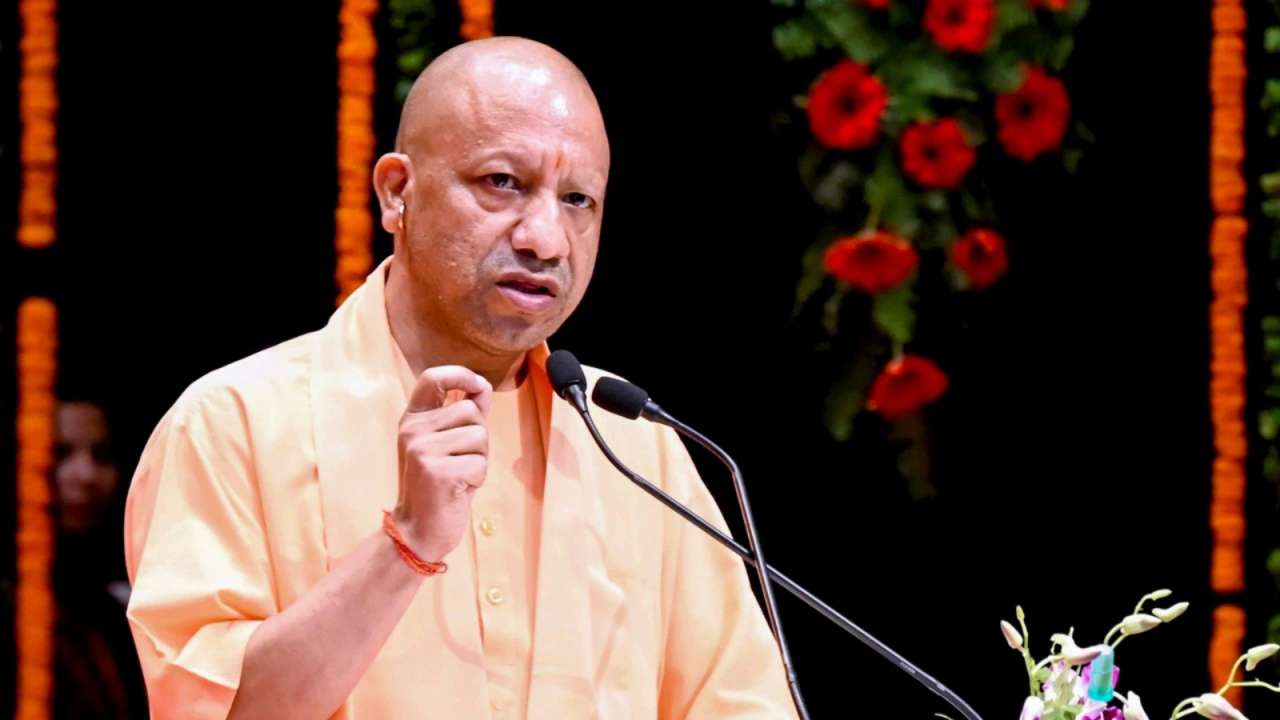 'No Place In UP': Yogi Adityanath hits back at Owaisi's 'Abdul will win in UP' remark
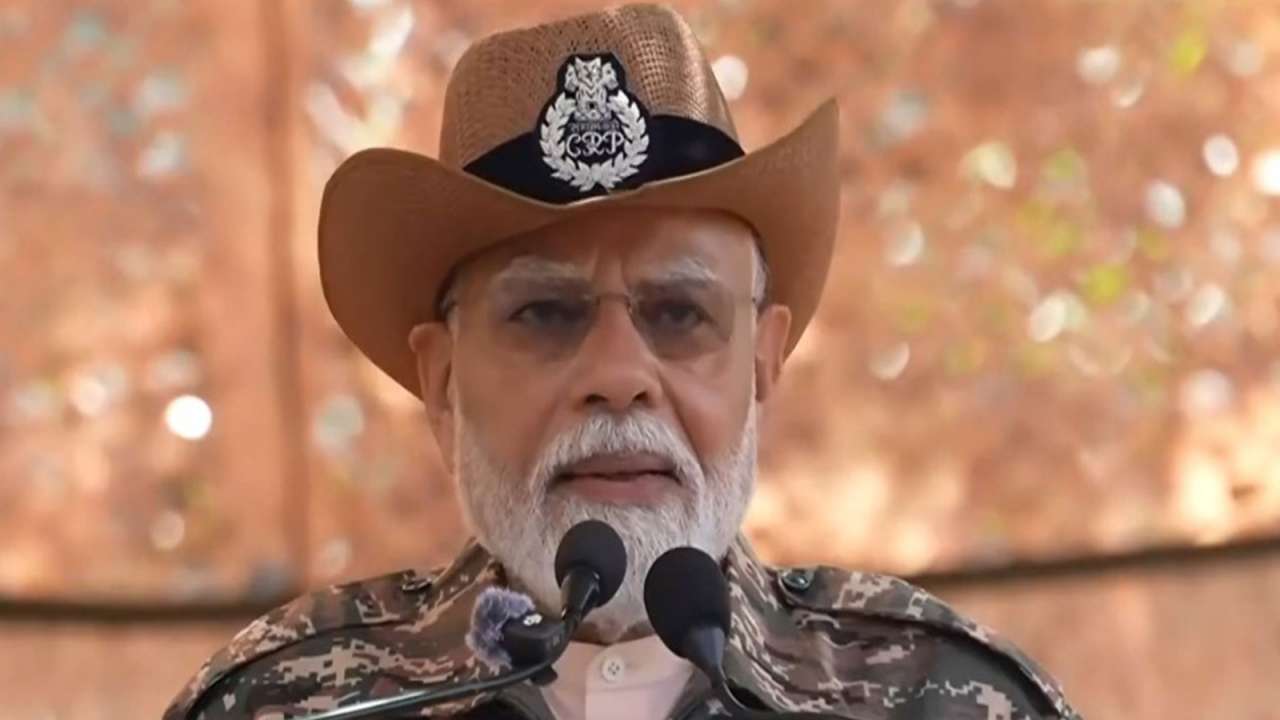 PM Modi joins jawans in Bastar, says, 'First Diwali when India is free from Naxalism'
 Kanpur woman learner driver rams Thar into scooter, kills man on Diwali eve, flees
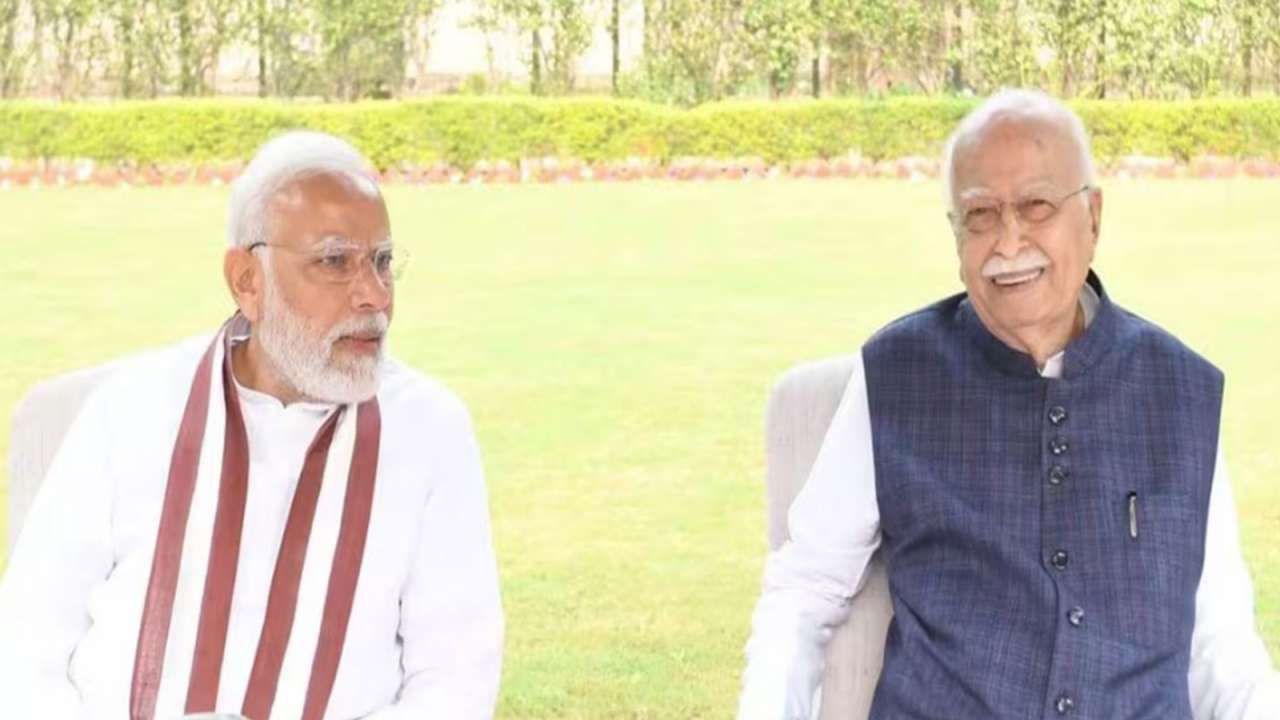 PM Modi credits LK Advani for shaping BJP over decades as he turns 100Egypt Train Accident: 4 dead, 90 injured after 2 trains collide near Cairo, carriages derailedEnd Of Netanyahu Era? Ex-Army Chief Gadi Eisenkot gets mandate to form Israel govt'Giant Step Back In History': Donald Trump calls midterm results setback after Democrats sweep Congress
 Will Dana White Become White House Press Secretary? UFC Chief to meet Donald Trump
 US Military to create 20-member task force to disrupt land routes into Iran, expand blockade beyond ports
 New Yalta After US Midterm? China plans Trump-Putin talks as Ukraine raises alarm over being left out
 New 26/11 Threat? Is Hafiz Saeed's LeT getting maritime training near Karachi to target India?
 Gold Hits Rs 1.46 Lakh Per 10 Grams On Dhanteras: Check 18K, 22K and 24K gold rates in Delhi, Mumbai, Chennai, Kolkata
 Trump humiliated in US midterms, planning fresh attack on Iran? Pentagon, Israel reportedly prepare for new strikes
 Trump's midterm defeat could shake up AI: Why Democrats' victory may impact Nvidia, data centres, India's $105 billion opportunityRamayana box office collection day 4: Ranbir Kapoor, Yash film mints Rs 500 crore in opening weekend
 Salman Khan defends Ramayana against Rs 4000 budget narrative, VFX criticism: 'Focus should be on Rama, Ravana, Sita'
 Saira Banu recalls annual Diwali photo tradition with Dilip Kumar, shares emotional memories of celebrating festival together
 Vicky Kaushal, Katrina Kaif share first photo of son Vihaan on their 'brightest Diwali yet'
 Ramayana box office collection: Ranbir Kapoor, Yash film crosses lifetime earnings of Adipurush in four days
 Dhanteras 2026: Are banks open or closed on November 6? Check RBI holiday list
 Why did Sensex surge over 2,000 points, Nifty rally 576 points today?
 Diwali Muhurat Trading 2026: What investors need to know about date, timings and settlement
 Gold, Silver prices today, November 5, 2026: Check city-wise rates in Delhi, Mumbai, Chennai, Kolkata and more
 Gold, Silver prices today, November 4, 2026: Check city-wise rates in Delhi, Mumbai, Chennai, Kolkata and more
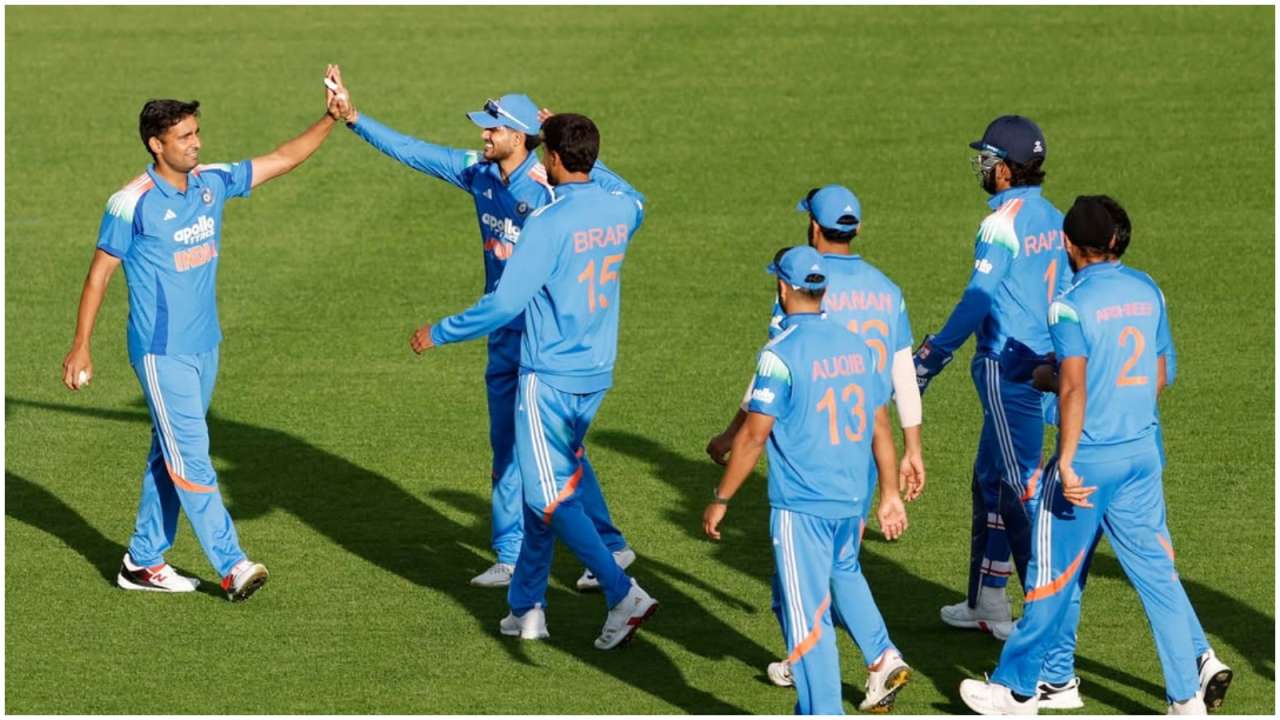 IND vs NZ, 2nd ODI Highlights: From Brar's four-wicket haul to rain drama, how India edged past Kiwis
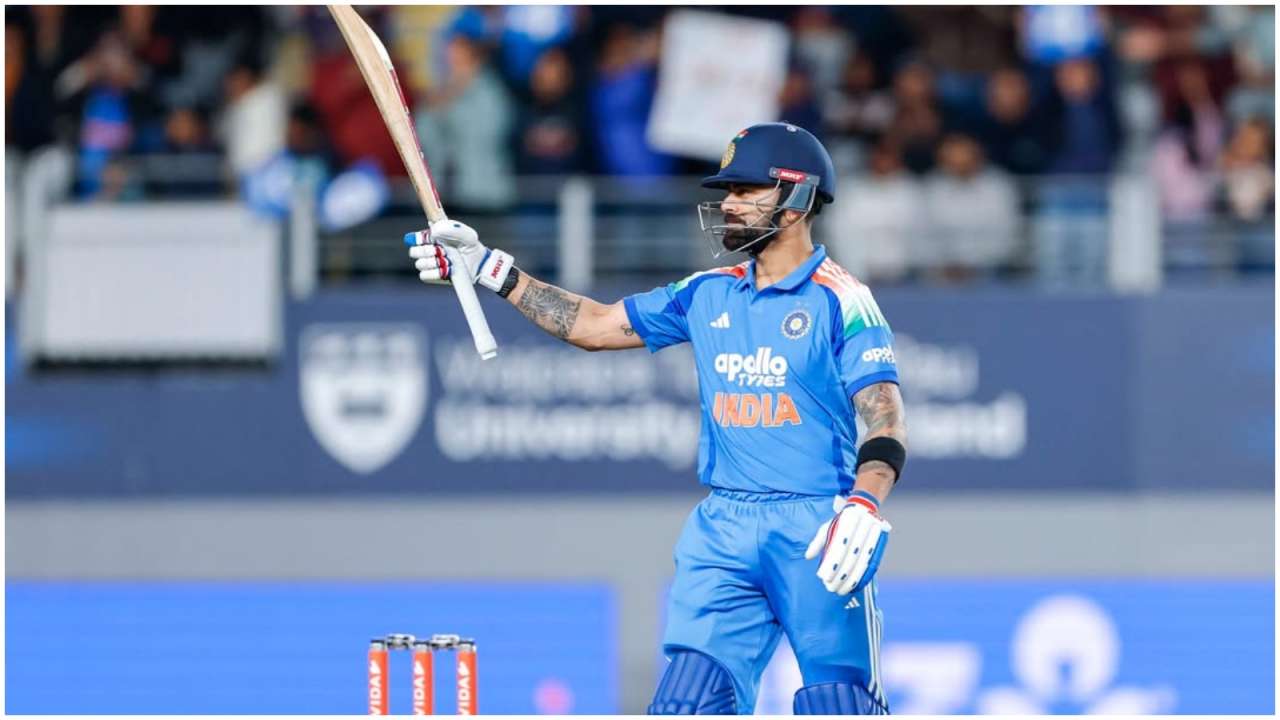 Virat Kohli creates history in Wellington, surpasses Ricky Ponting to achieve major ODI feat
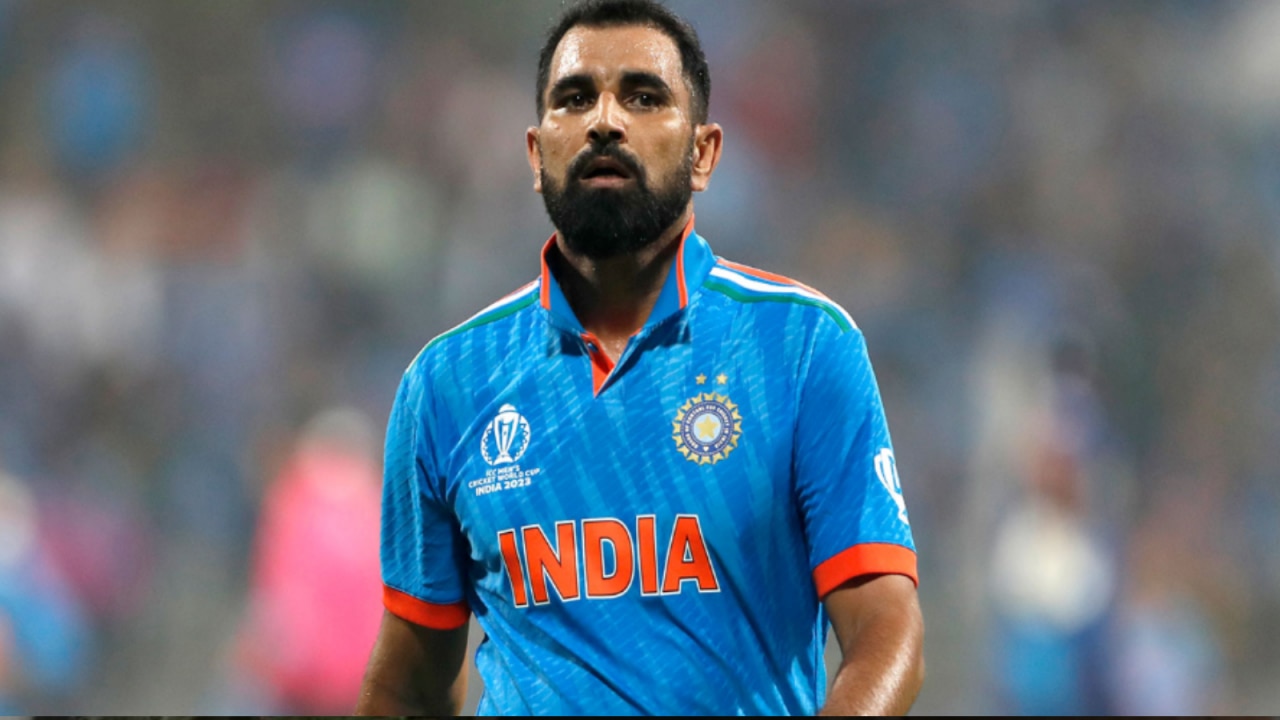 Mohammed Shami announces retirement from Test cricket, reveals plans for white-ball future
 World Record Chaos: 53 Red Cards after mass brawl erupts during Brazil U20 football match
 Cristiano Ronaldo retires from international football after fallout with coach Jorge Jesus, bids emotional farewell
 US MidTerm Elections: How Trump's Defeat Could Impact Pakistan? | Democrats Vs Republicans | India
 Agniveer News: '2 Year Extension...' Army's Major Relief For Agniveers; CDS Subramani's Full Speech
 Delhi Police Protest: 'Threatened Lawyer With Ak-47' PIL Against ACP Manasvi Vashistha In Delhi HC
 Cyclone Murasu: 'Electric Poles Damaged', Aftermath Of 'Severe' Cyclonic Storm In Andhra Pradesh
 ACP Manasvi Vashishta who led protest outside Delhi Police HQ suspended
TECHNOLOGY
WhatsApp users, be alert! Starting from June 1,2025, You will no longer be able to use WhatsApp. WhatsApp will stop working on several 'old' generation iPhones and Android phones, with old software.

Updated : Jun 01, 2025, 02:26 PM IST

















WhatsApp users, be alert! Starting from June 1,2025, You will no longer be able to use WhatsApp, but this only applies to old smartphone users. WhatsApp will stop working on several 'old' generation iPhones and Android phones, with old software. This software will be no longer able to support WhatsApp as Meta has brought a huge change in the minimum system requirements for WhatsApp to work in the phones. Users will face difficulty in making phone calls, assessing chats and sending messages.
What are the changes?
In an update to the WhatsApp system, this step has been taken for security purposes. The WhasApp will be functional only in iPhones that run iOS 15.1 or later and Android phones having Android 5.1 or newer.
WhatsApp will shutdown in these devices
iPhones:
Android Phones
WhatsApp is taking this step to enhance security of the users. WhatsApp introduces new modern safety features like hey become unable to support advanced features like end-to-end encryption, video calling, and improved user interface options. However, the older versions are not capable to support these features.
Old generational phone users now have to switch to new phones. If you’re unsure about your phone’s software version, you can check it in your phone’s Settings > About Phone (or About Device). Also keep updating your software regularly, for seamless use of other apps too. You can also backup your chats on the WhatsApp to avoid any data lost.