 Dr Hassan OTT release date: Nawazuddin Siddiqui, Dia Mirza-starrer Indian House adaptation to premiere in December
 Patek Philippe watch worth Rs 94 lakh seized at Delhi Airport, passenger arrested
 VB-G RAM G Act: How will district-level ombudspersons handle rural workers' complaints? Explained
 Dhurandhar 2 receives zero nominations at 2027 Grammys despite nine entries, Tamil song Varuvaaiy creates history
 Trump-Xi-Putin Meet: Seven reasons India could pay price for a new global power dealPatek Philippe watch worth Rs 94 lakh seized at Delhi Airport, passenger arrestedVB-G RAM G Act: How will district-level ombudspersons handle rural workers' complaints? Explained
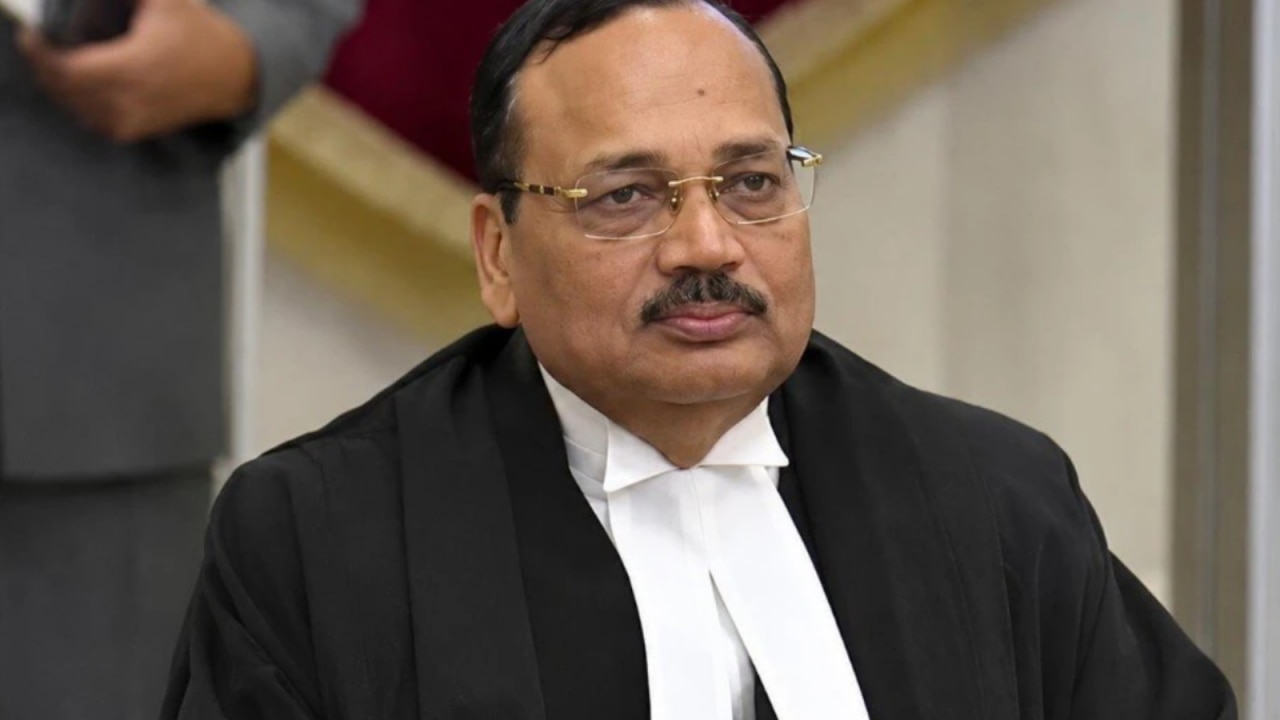 SC issues contempt notice to lawyer Pravin Singhal over alleged objectionable remarks against CJI Surya Kant
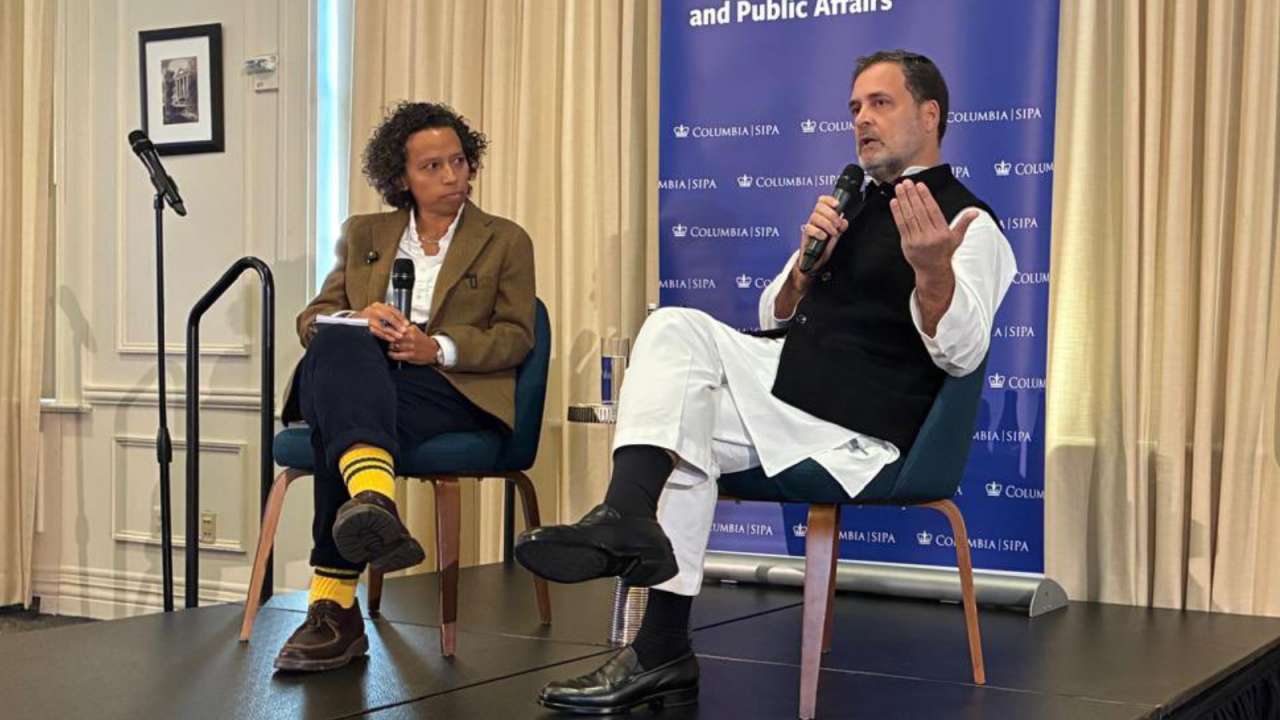 Rahul Gandhi slams India’s economy during US visit, BJP hits back with ‘anti-India’ jibe
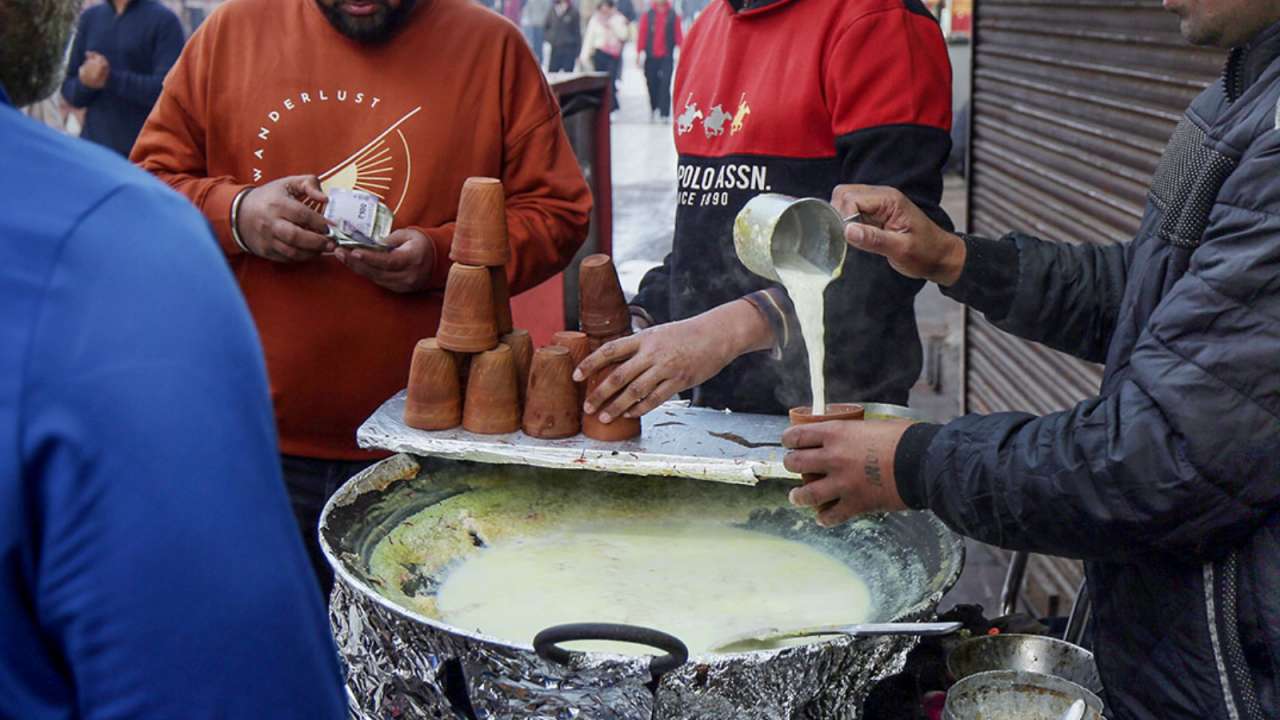 Milk becomes a luxury? Inflation pushes Indian families to cut back on dairy and essentials
 India-Bangladesh Border Tension Escalates: BSF jawan captured, detained by BGB
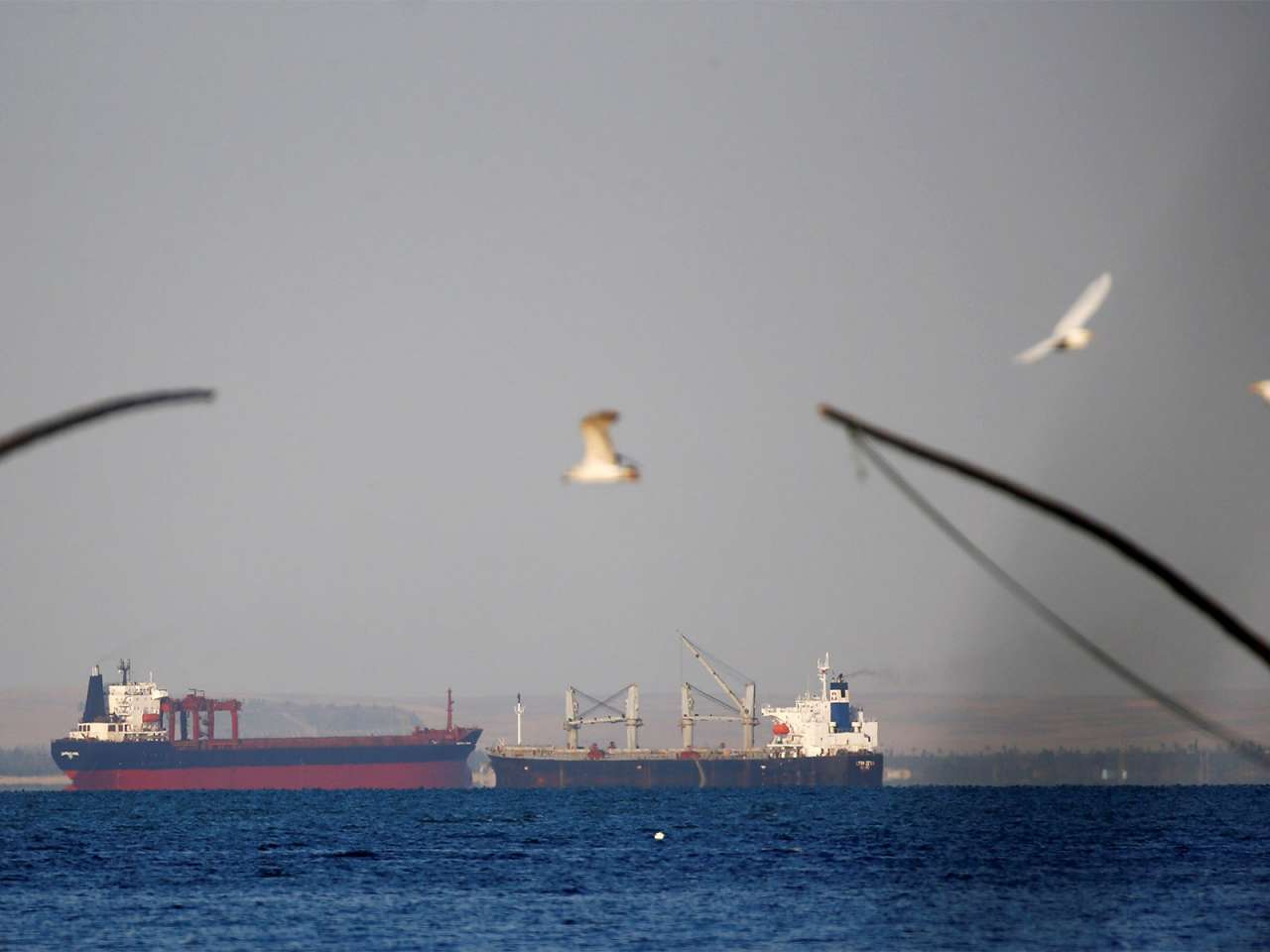 US launches strike on Iran’s Qeshm Island after Bahrain base comes under attack
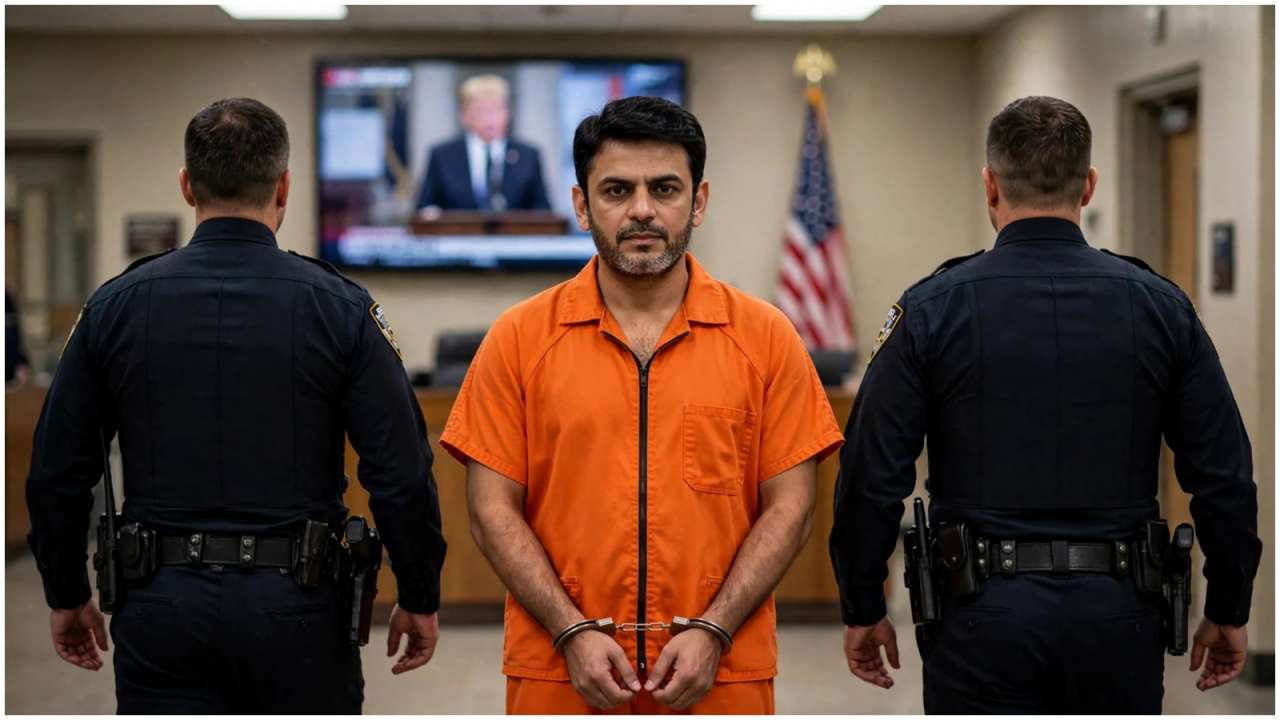 Who is Asif Merchant? Pakistani national jailed for 27 years over Trump assassination plot
 1 Indian missing, 2 hurt in attack on LPG tanker in Strait of Hormuz; MEA raises concern
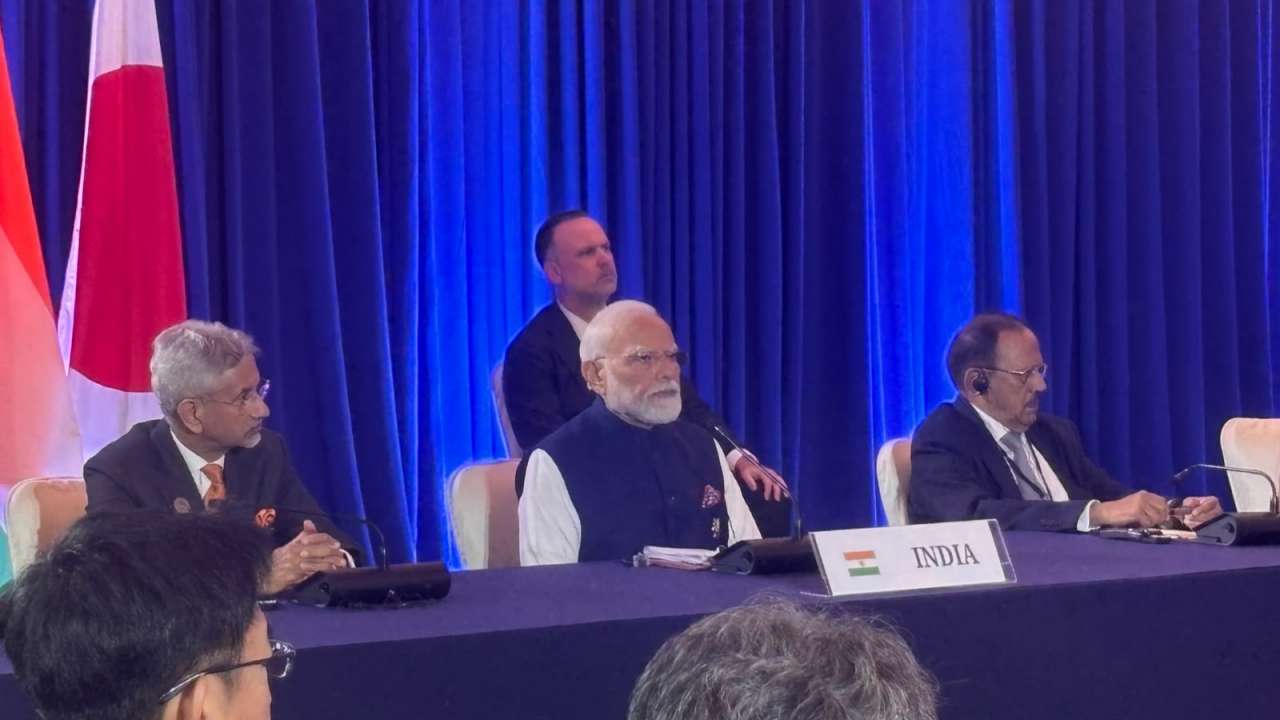 PM Modi announces free e-visas for ASEAN tourists, boosts India’s Act East PolicyTrump-Xi-Putin Meet: Seven reasons India could pay price for a new global power deal
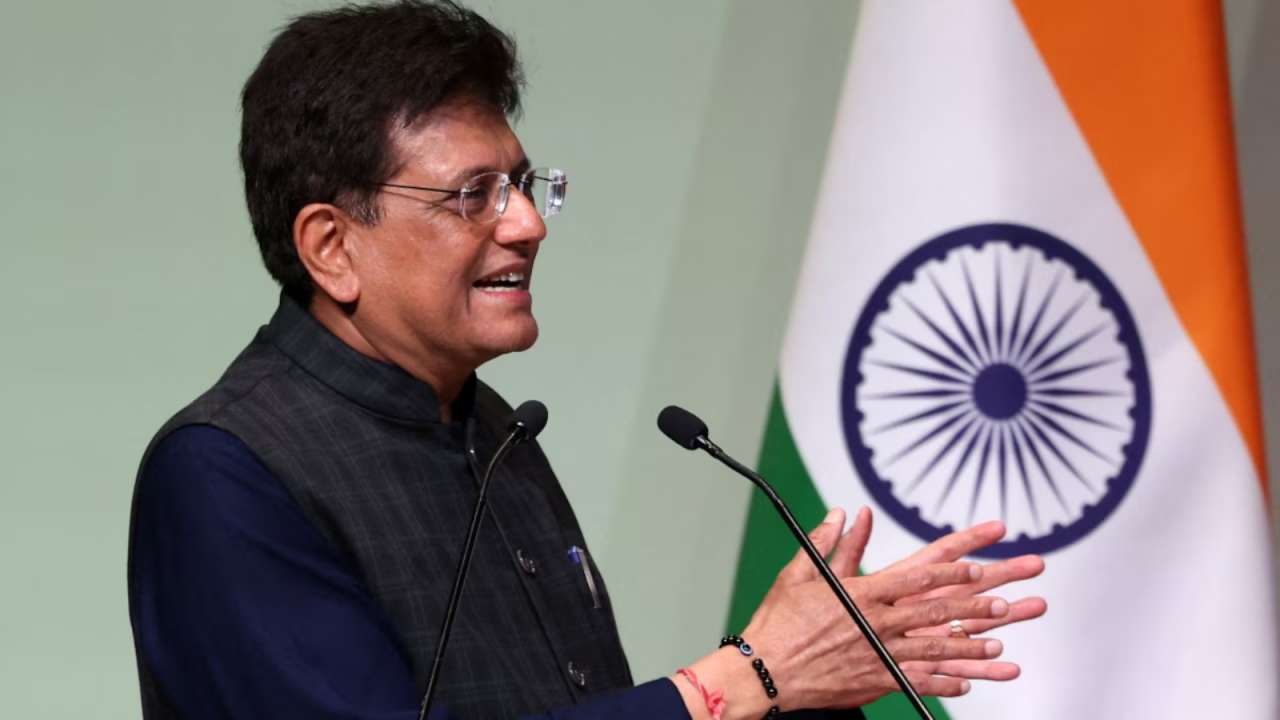 India Eyes $1 Trillion Exports As 7-Month Exports Hit $570 Billion
 PM Modi Attends Quad Summit: How can India corner China in Indian Ocean without firing a shot: 5 strategic moves
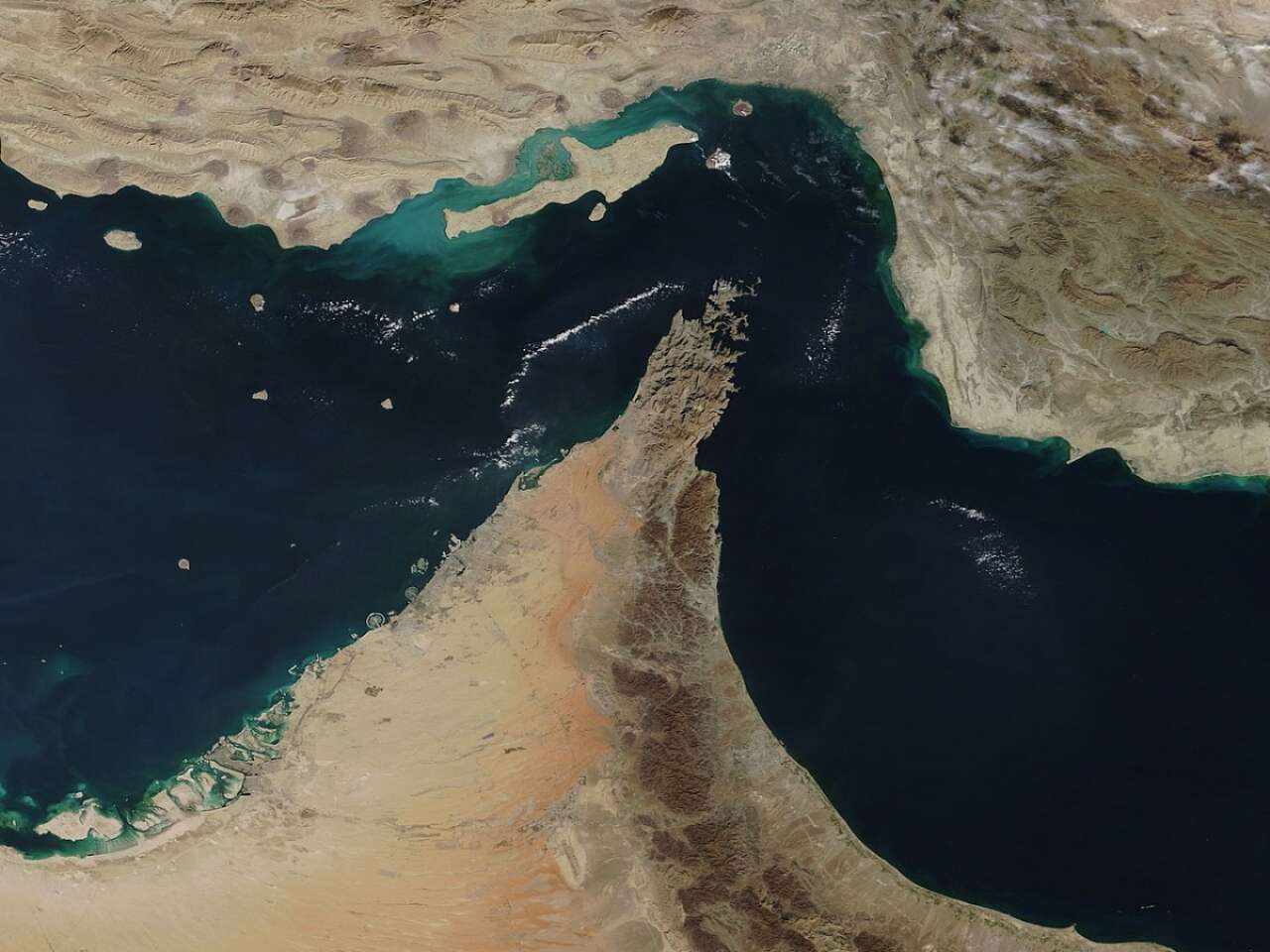 Oil Tankers Catch Fire In Strait Of Hormuz: Will petrol and diesel prices rise in India?
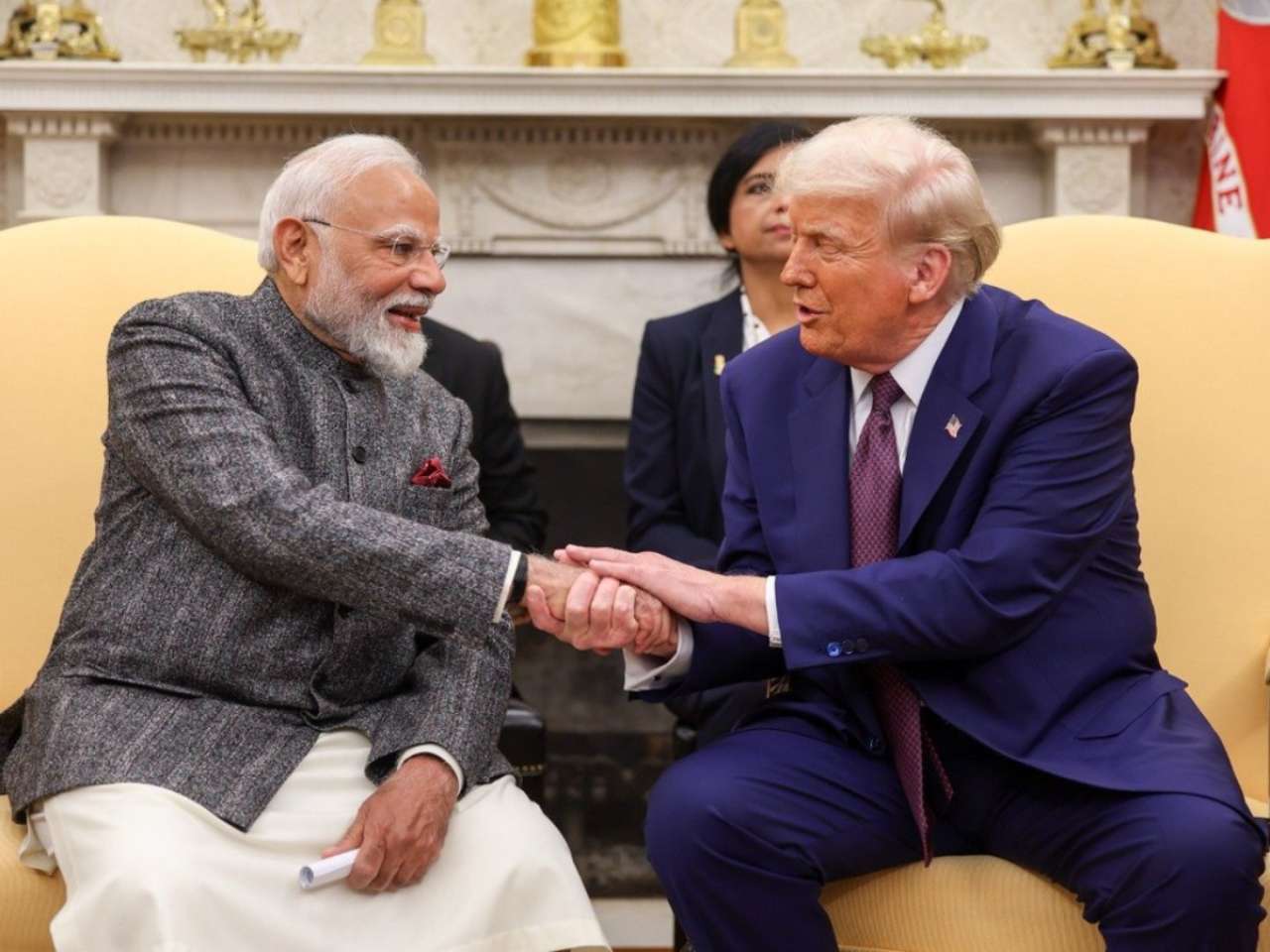 Modi-Trump Meeting In Manila: 5 Big issues India-US may discuss, from China to trade dealDr Hassan OTT release date: Nawazuddin Siddiqui, Dia Mirza-starrer Indian House adaptation to premiere in DecemberDhurandhar 2 receives zero nominations at 2027 Grammys despite nine entries, Tamil song Varuvaaiy creates history
 Anne Hathaway welcomes third child with husband Adam Shulman
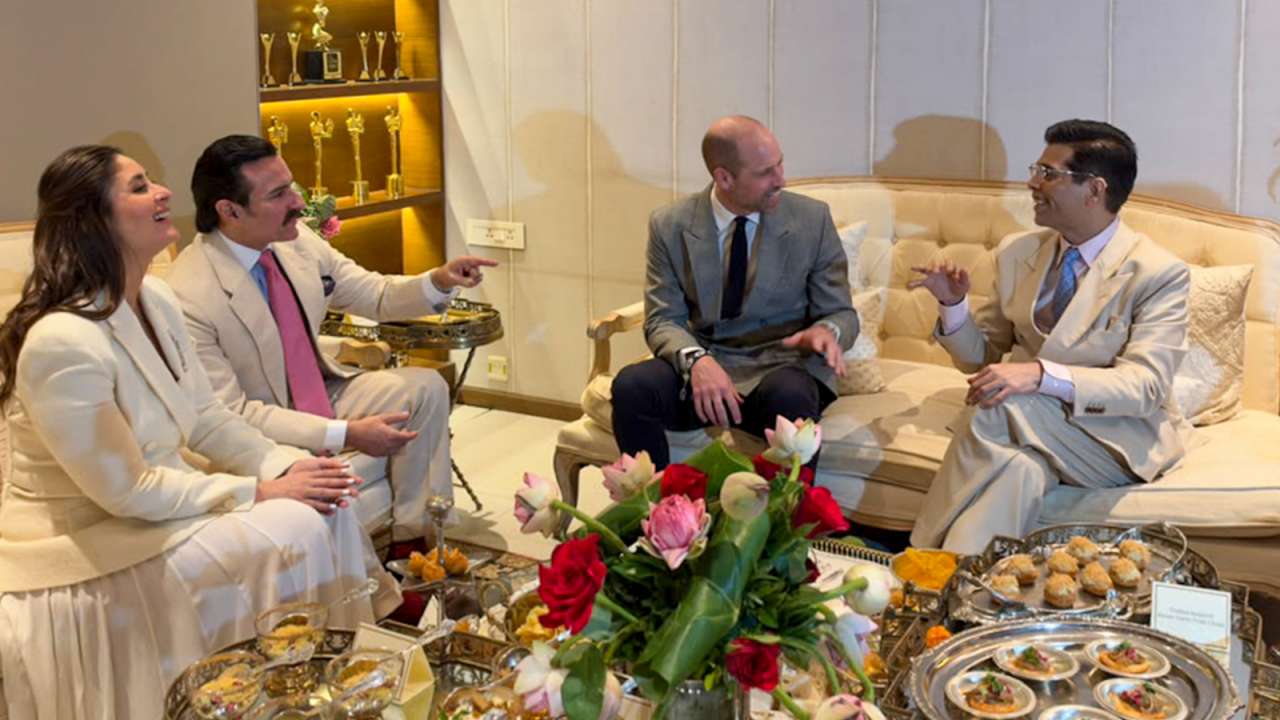 Prince William meets Karan Johar, Saif Ali Khan, Kareena Kapoor Khan at Dharma Productions office, see viral photo
 Panchayat Season 5 OTT release date: When and where to watch Jitendra Kumar, Neena Gupta-starrer series
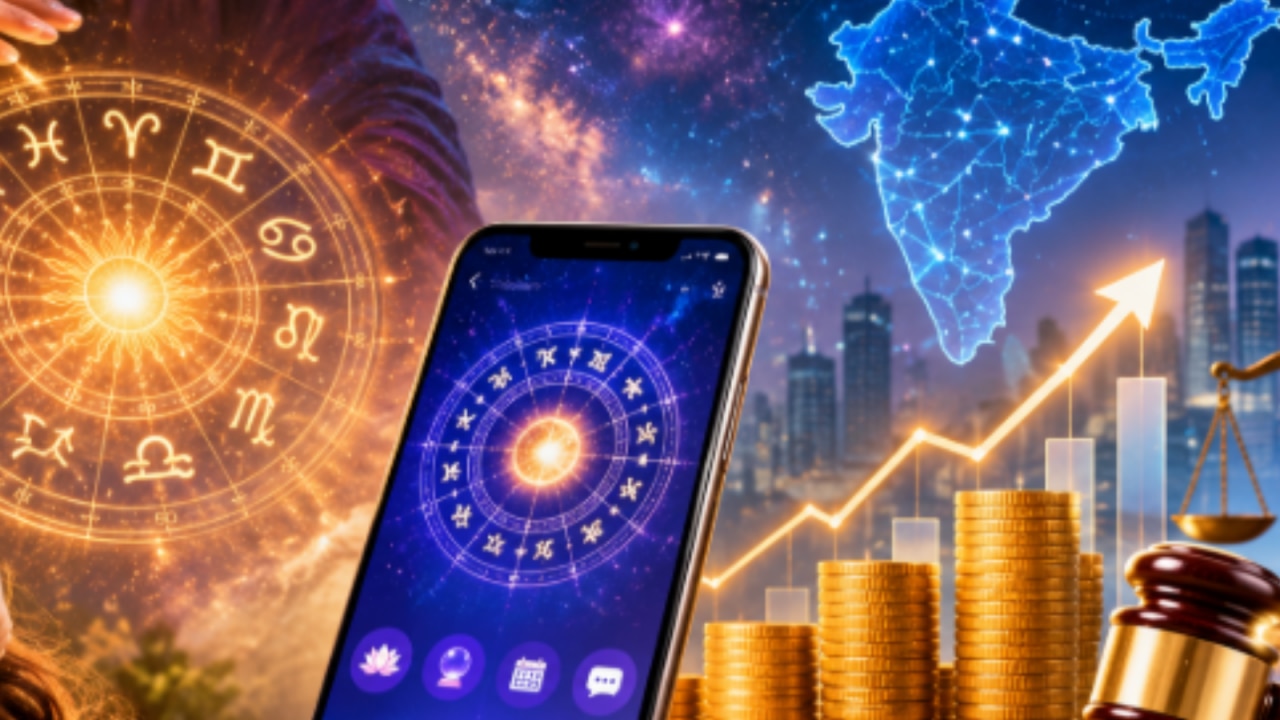 India's Astrology Boom: Faith, big business or emotional dependence? Who is watching the industry?
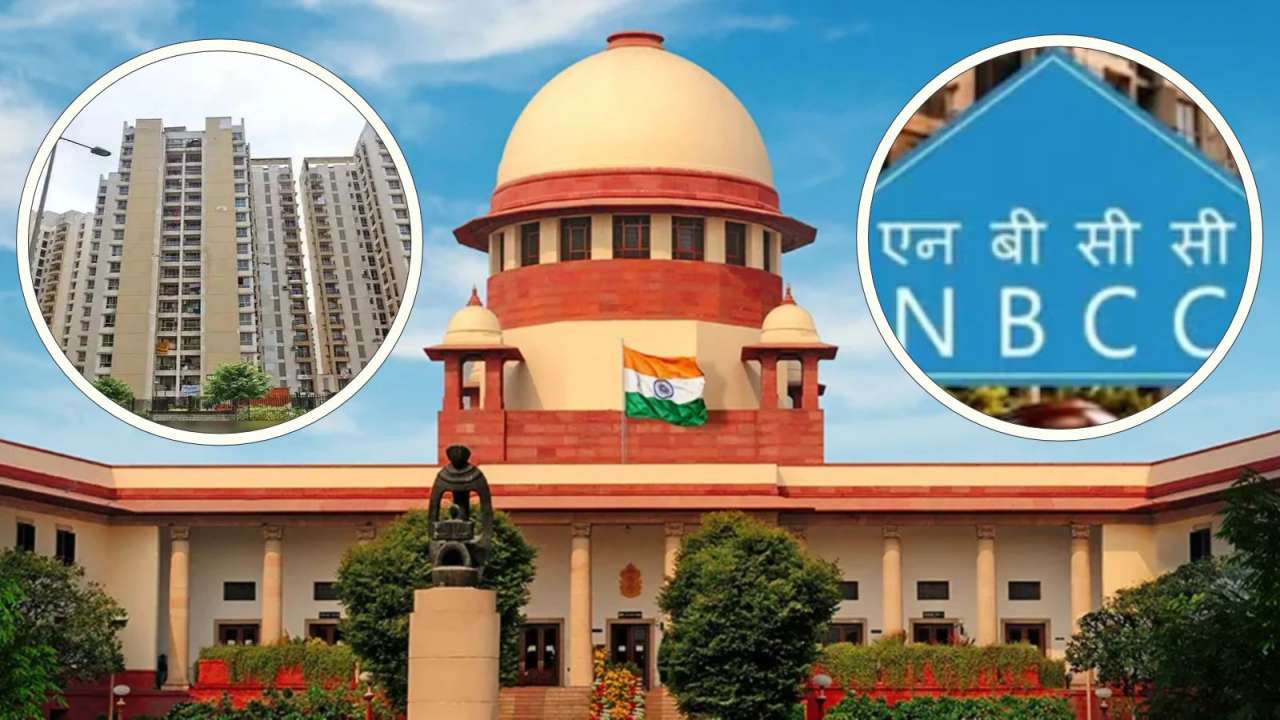 Did NBCC commit contempt of court? Firm resumes auction of flats despite matter being sub judice
 Mahanadi Coalfields IPO: 10 Things to know about issue date, GMP, price band, size and listing
 Tata Sons Listing Row: Why Noel Tata fears it could change Tata Group
 Who will replace Jensen Huang at Nvidia? 3 Indian-origin executives in the race
 Shah Rukh Khan's KKR valued at Rs 16,634 crore: Who is buying Jay Mehta's stake?
 LSG head into IPL 2027 mini-auction as richest team with Rs 47.45 crore: Check purse of all 10 teams
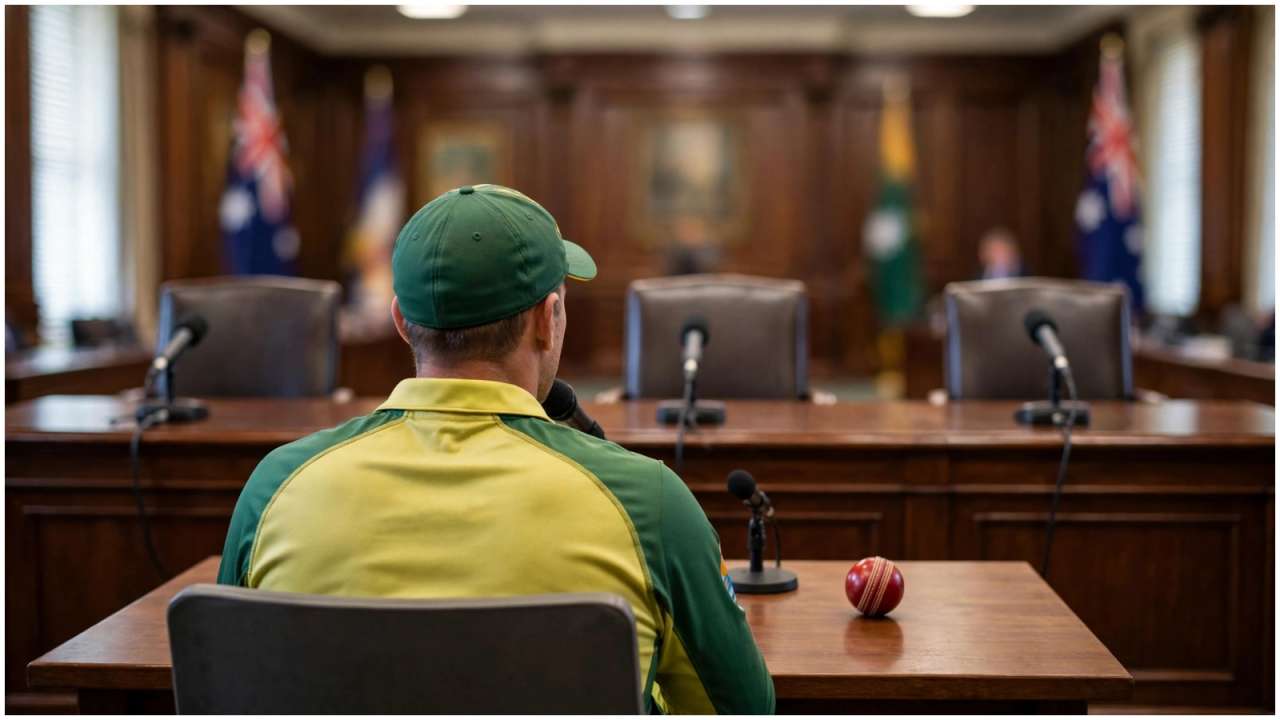 Who knew what in Australia's Sandpapergate scandal? CA gives players another chance to speak
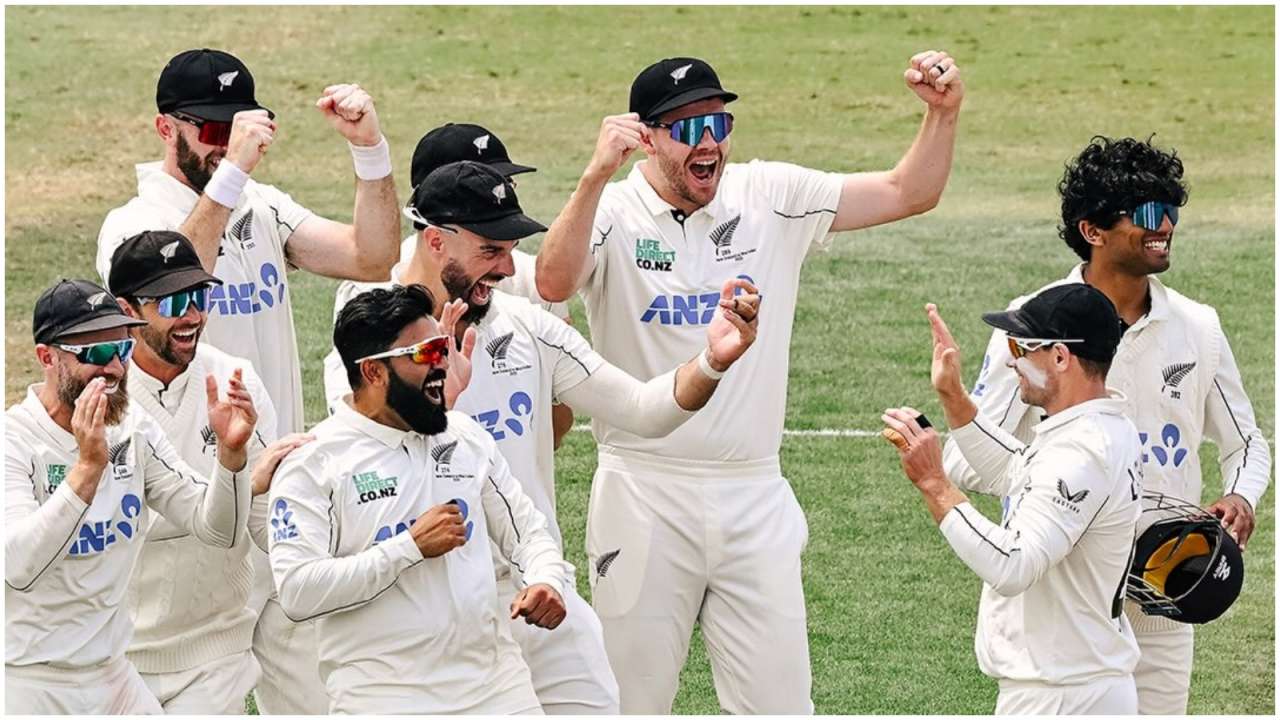 Tom Latham drops a big hint on New Zealand's biggest weapon against India
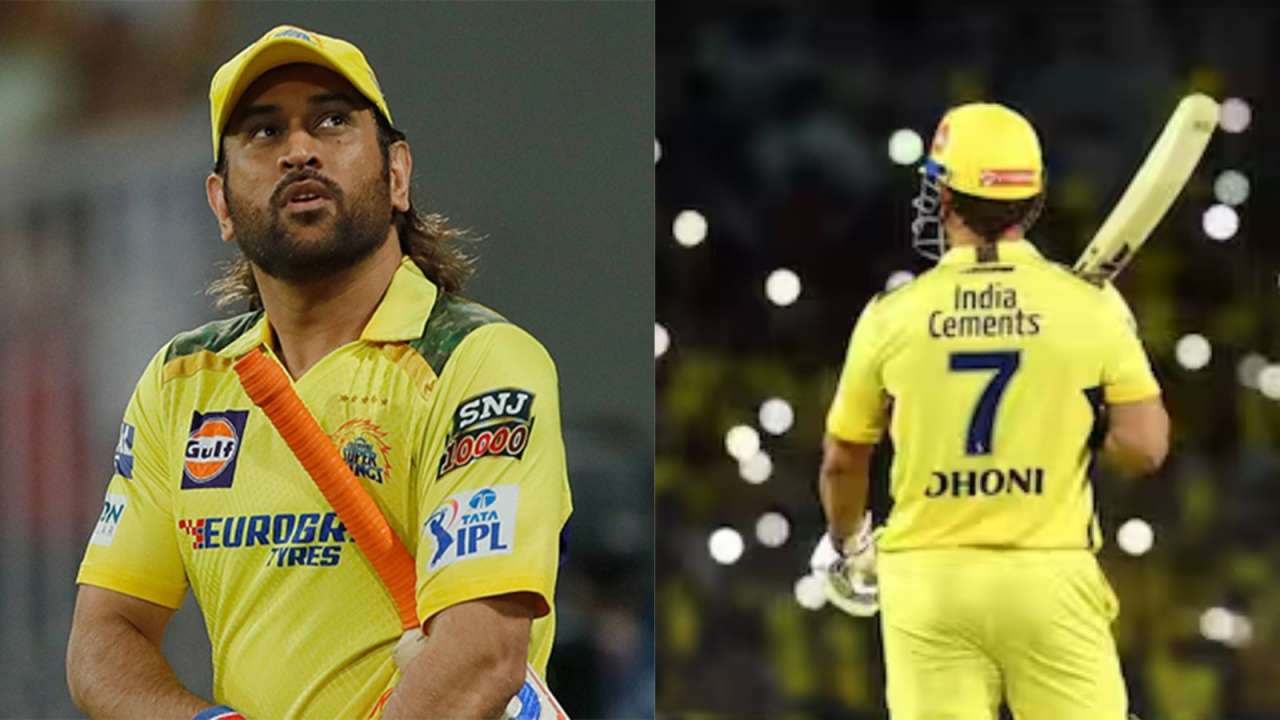 MS Dhoni among IPL's oldest players: Who tops list, where does CSK legend rank?
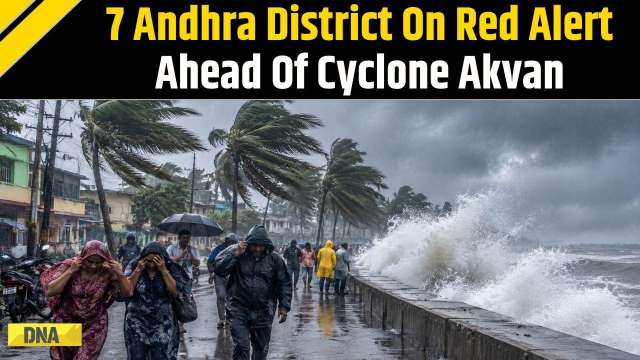 Cyclone Akvan: 7 Andhra Pradesh's Districts On Red Alert Ahead Of November 20 Landfall | Odisha
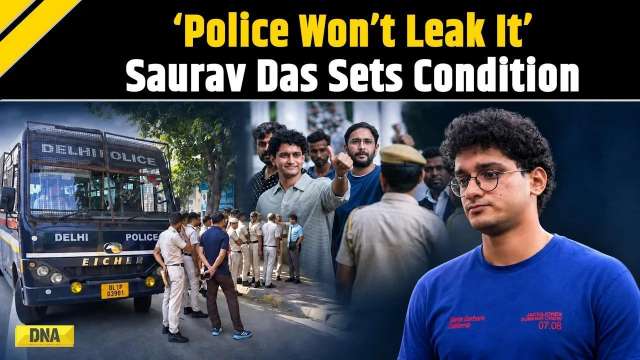 CJP News: 'Condition In Delhi Police Won't Leak It...' Saurav Das Submits Address Proof To Court
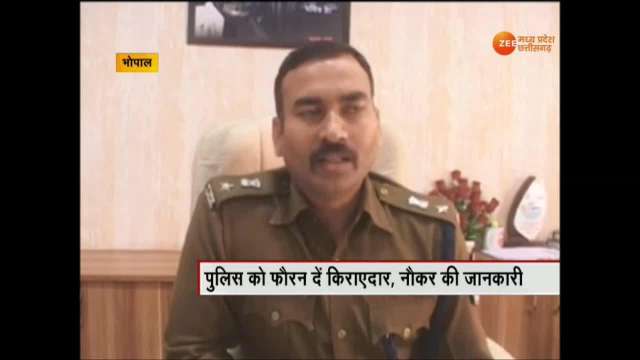 Punjab News: Head Constable Shot Dead In Punjab, Sixth Cop Killed This Year | Bhagwant Mann
 Cyclone Akvan: Odisha Deploys 74 Rescue Teams, Begins Evacuation Ahead Of 'Severe Storm' | Andhra
 Uttarakhand Bus Accident: 6 Killed After Bus Falls Off Bridge On Rishikesh-Badrinath Highway
TECHNOLOGY
Dark Mode is a popular theme across online platforms and apps. And now, it seems Facebook is also willing to extend the ability to its Messenger platform.

Updated : Mar 05, 2019, 12:05 AM IST
















Dark Mode is a popular theme across online platforms and apps. And now, it seems Facebook is also willing to extend the ability to its Messenger platform.
As the feature is not officially rolled out, there's a trick to enable Dark Mode. Folks at Android Police have discovered a way to turn on the Dark Mode. This is how it works.
In order to turn on the Dark Mode, all you have to do is send someone a crescent moon emoji. You can also send it to yourself. You have to tap through the ensuing popup menu. Some users had to double-tap the moon emoji, while others had to restart Messenger to unlock the mode.
Once you have unlocked the Dark Mode, head to your profile page in the app and you will find the option to turn the mode on.
The feature had been a highly-requested one but was tested only in a few countries. As it is still work in progress, not all Android users will be able to see it. The trick is currently working on iOS.