 Exclusive: Salaam Venky, OM producer R Take's Shraddha Agarwal on challenge of keeping slice-of-life genre alive amid big-budget extravaganzas
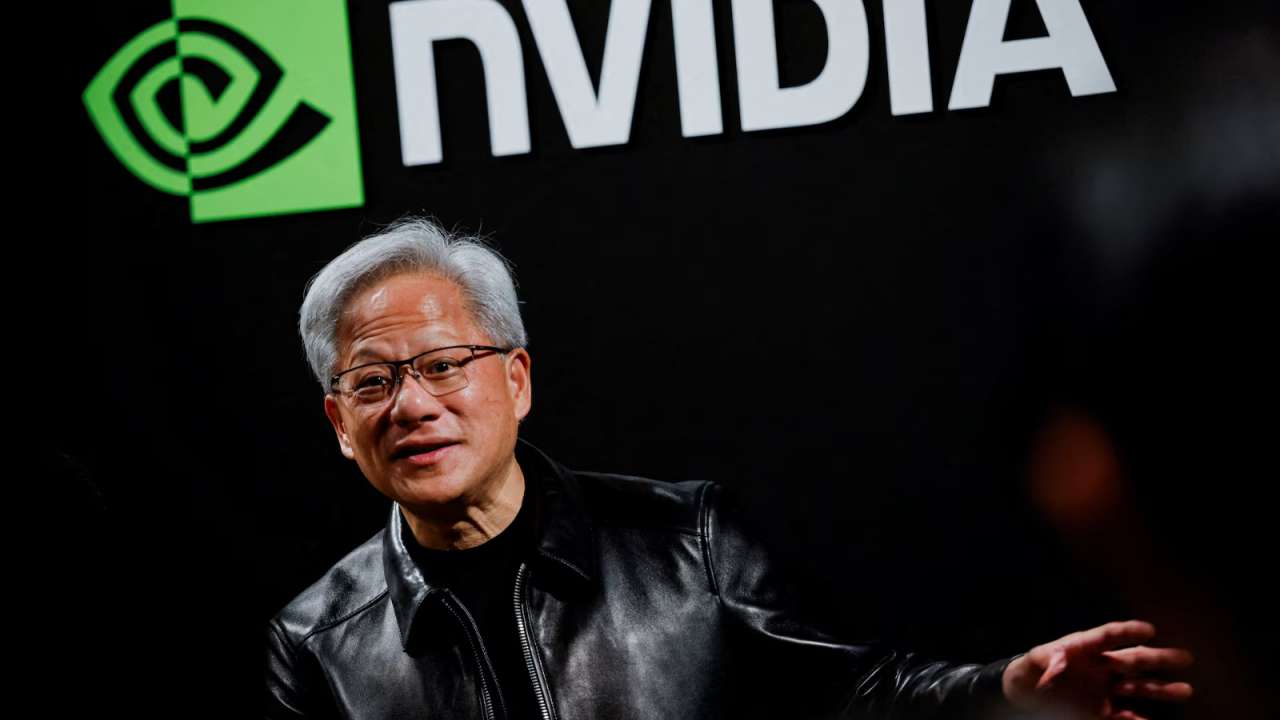 Nvidia CEO Jensen Huang resigns amid spy affair scandal; CFO Colette Kress named interim CEO
 Liberia-flagged tanker hit by projectile off UAE, 19 Indian crew safe
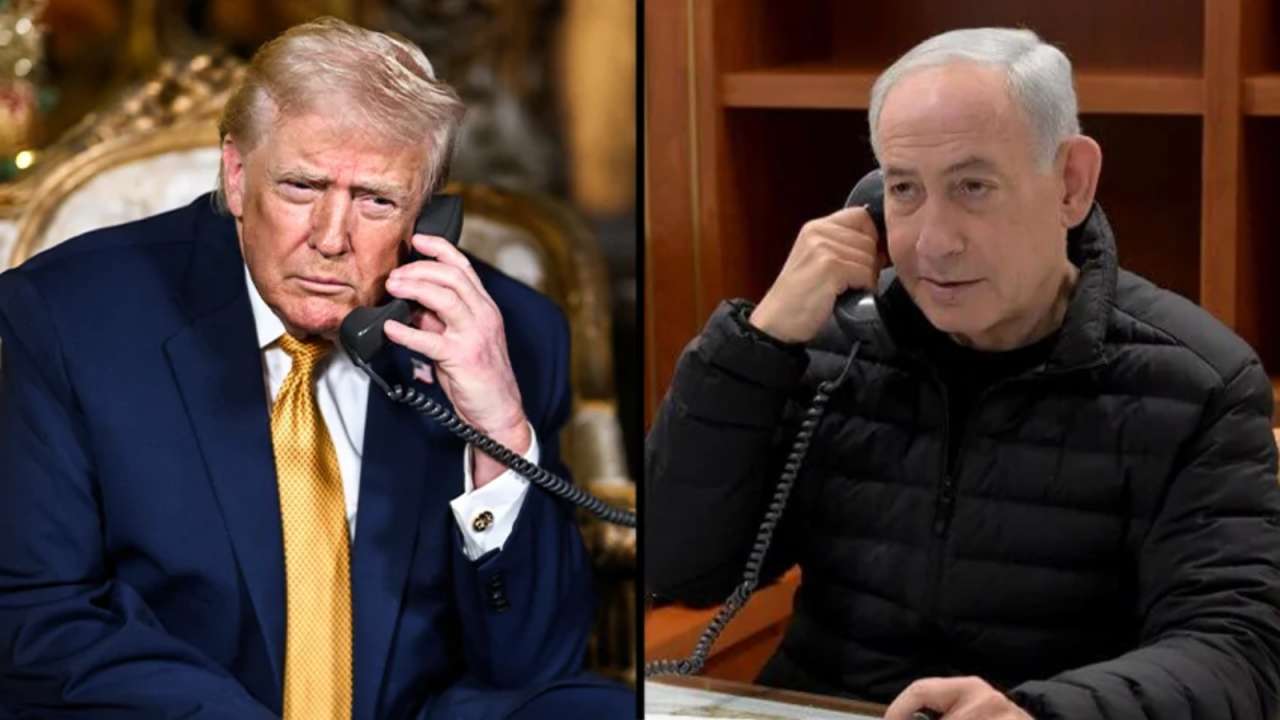 Donald Trump vs Netanyahu Over Iran War: Report claims 'shouting match from hell' call
 Why does inflation soar to 6.09% despite falling fuel prices, US-Iran war halt? RBI's next move under focus
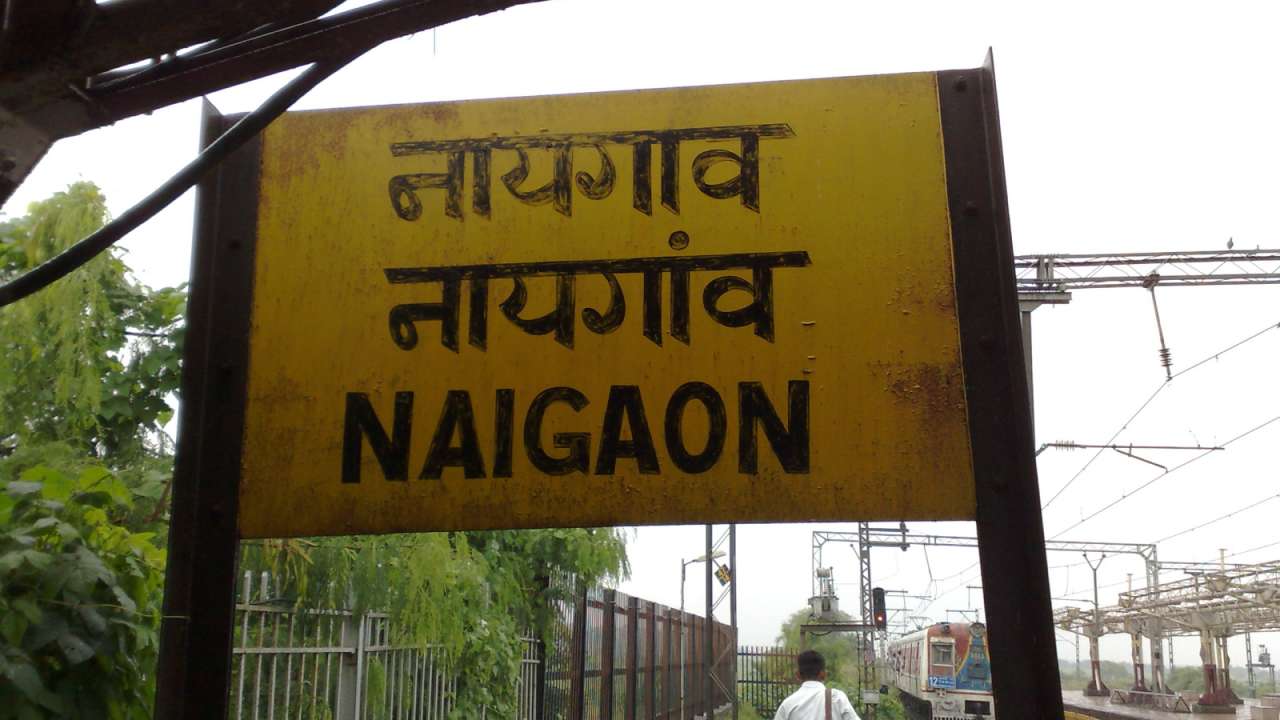 Maharashtra Shocker: 20-year-old woman molested on local train, pushed onto tracks, loses arm
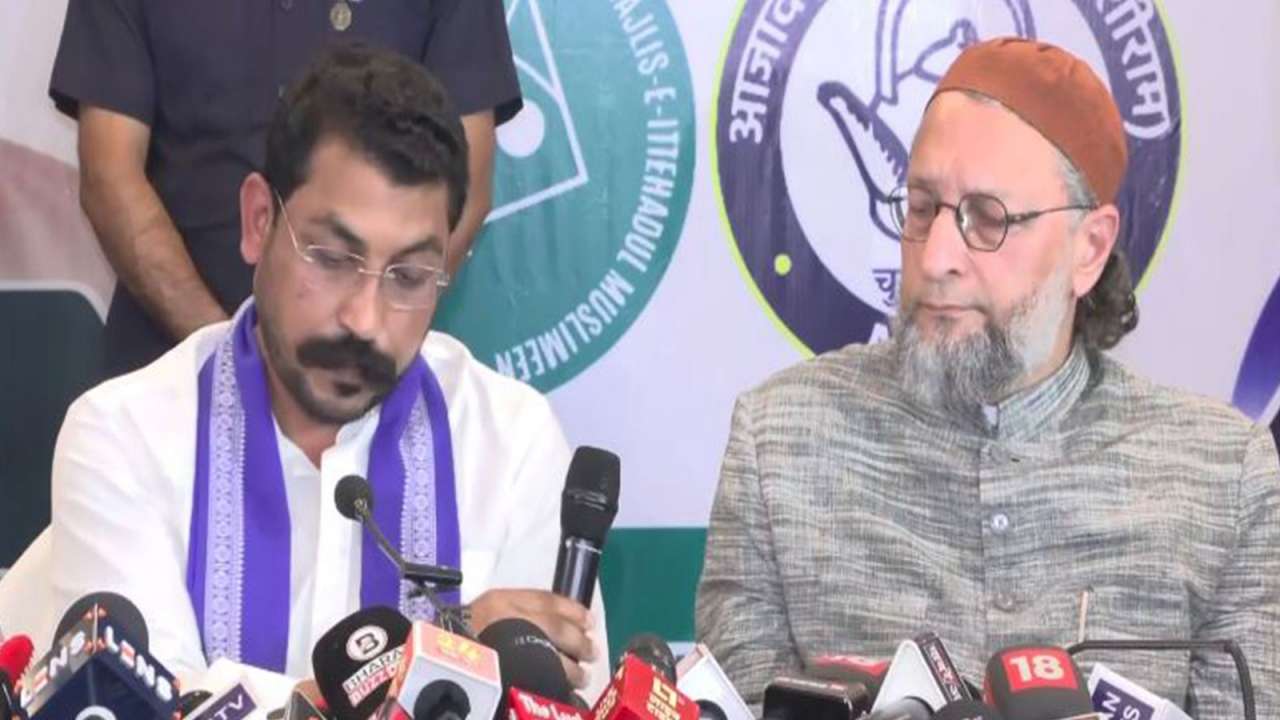 Owaisi-Azad join hands in UP, picks Chandra Shekhar Azad as CM face to consolidate Dalit-Muslim votes against BJP
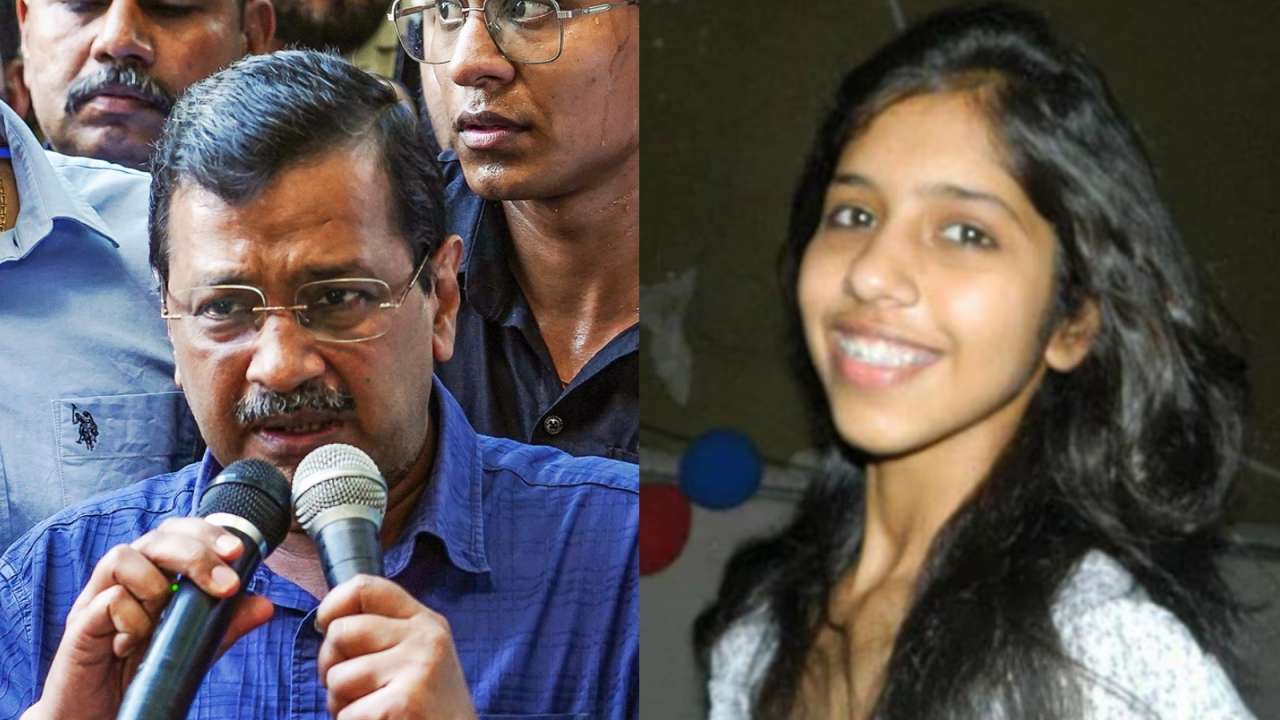 Arvind Kejriwal after Tiger Shroff? Bishnoi gang threatens him, demands ransom of Rs 7 crore, what will Rekha Gupta govt do?
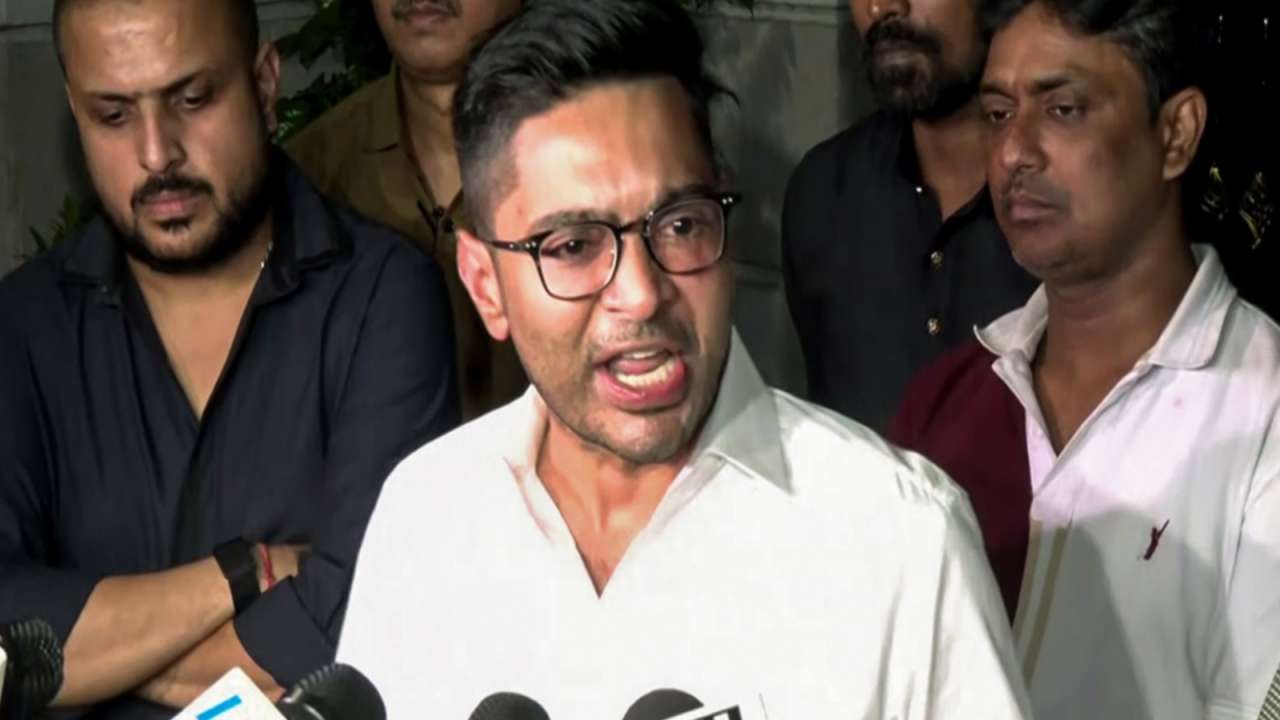 Abhishek Banerjee attacks Bengal govt after anti-encroachment action near house: 'You cannot bulldoze my voice'
 Jammu and Kashmir Horror: Bullet-riddled bodies of two missing SPOs, who had gone missing on duty, found in KishtwarNvidia CEO Jensen Huang resigns amid spy affair scandal; CFO Colette Kress named interim CEOLiberia-flagged tanker hit by projectile off UAE, 19 Indian crew safeDonald Trump vs Netanyahu Over Iran War: Report claims 'shouting match from hell' call
 Who is Kang Wei? Alice Huang's husband who introduced her to Nvidia CEO Jensen Huang
 Bad News For H-1B Holders? US may remove deference for visa extensions; what it means for Indian employees?Why does inflation soar to 6.09% despite falling fuel prices, US-Iran war halt? RBI's next move under focus
 UP Elections 2027: Will Asaduddin Owaisi and Chandrashekhar Azad defeat BJP or help Yogi win?
 From Nvidia CEO Jensen Huang to top officials: 5 Alleged Chinese 'honey trap' cases that shocked world
 Brent crude crashes from $115 to $90: Will petrol and diesel prices become cheaper in India?
 Sensex soars 1,300 points, Rs 6 lakh crore added in minutes: 3 BIG reasons behind stock market rallyExclusive: Salaam Venky, OM producer R Take's Shraddha Agarwal on challenge of keeping slice-of-life genre alive amid big-budget extravaganzas
 Ramayana box office collection Day 8: Despite big drop, Ranbir Kapoor scores his biggest hit, 1st 1000 crore film
 Viral video: Jackie Shroff dodges reacting to Tiger Shroff's firing incident? His mute reaction leaves netizens puzzled
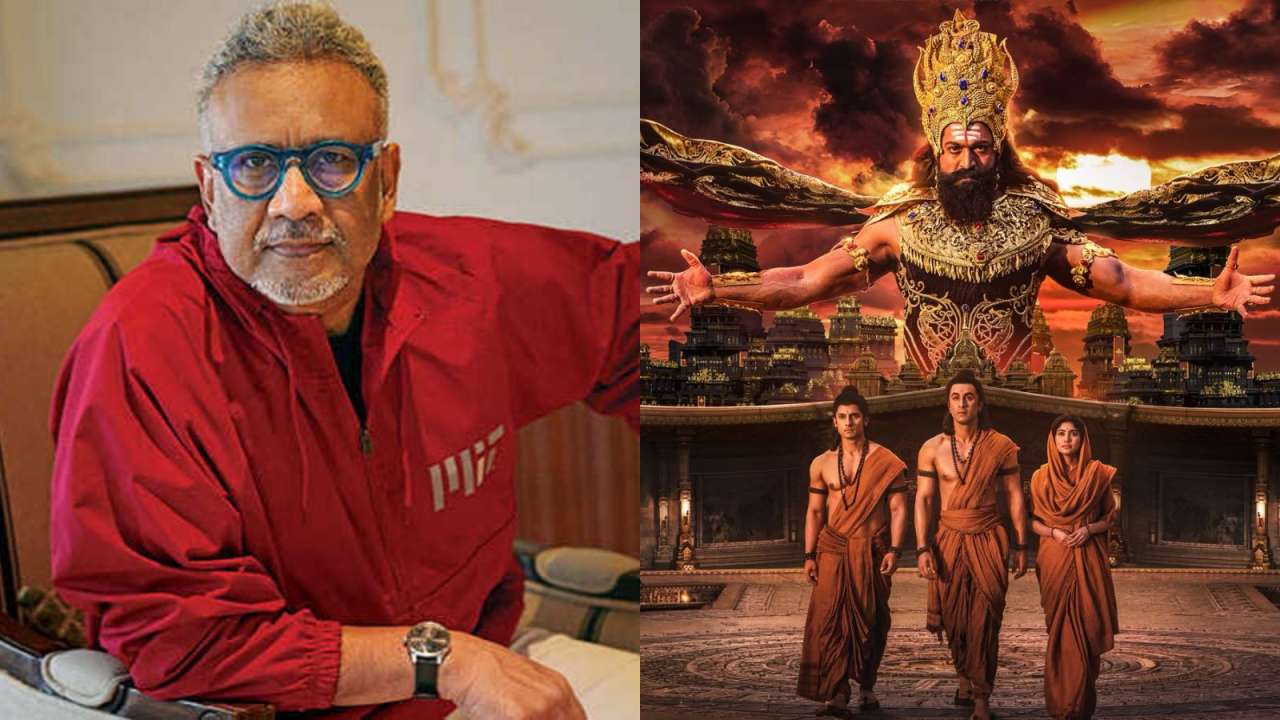 Anubhav Sinha 'jealous' of Ramayana? Director hopes film 'will no longer be gladiators', netizens brutally trolled him: 'You should stop making movies'
 Kangana Ranaut ATTACKS Sonia Gandhi, calls Congress leader 'billionaire Italian widow' seeking sympathy, netizens brutally troll actress
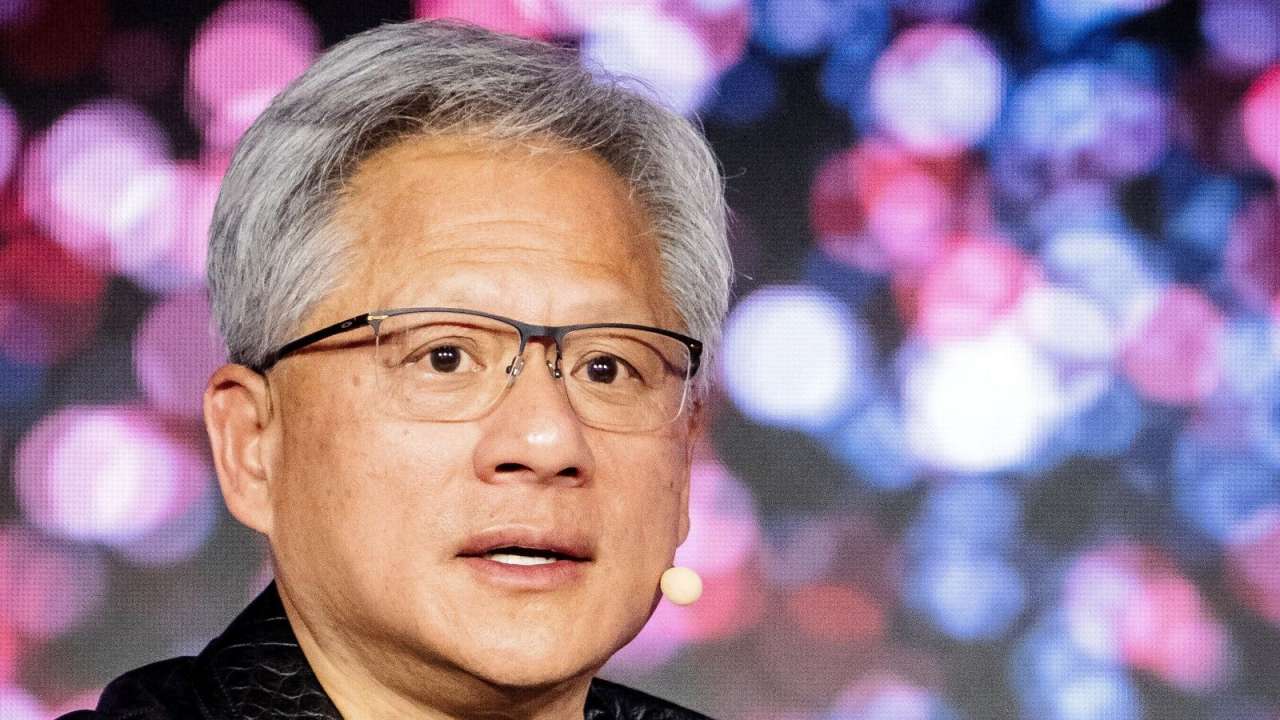 Who may replace Nvidia CEO Jensen Huang? THIS Indian tech executive emerged among top contenders
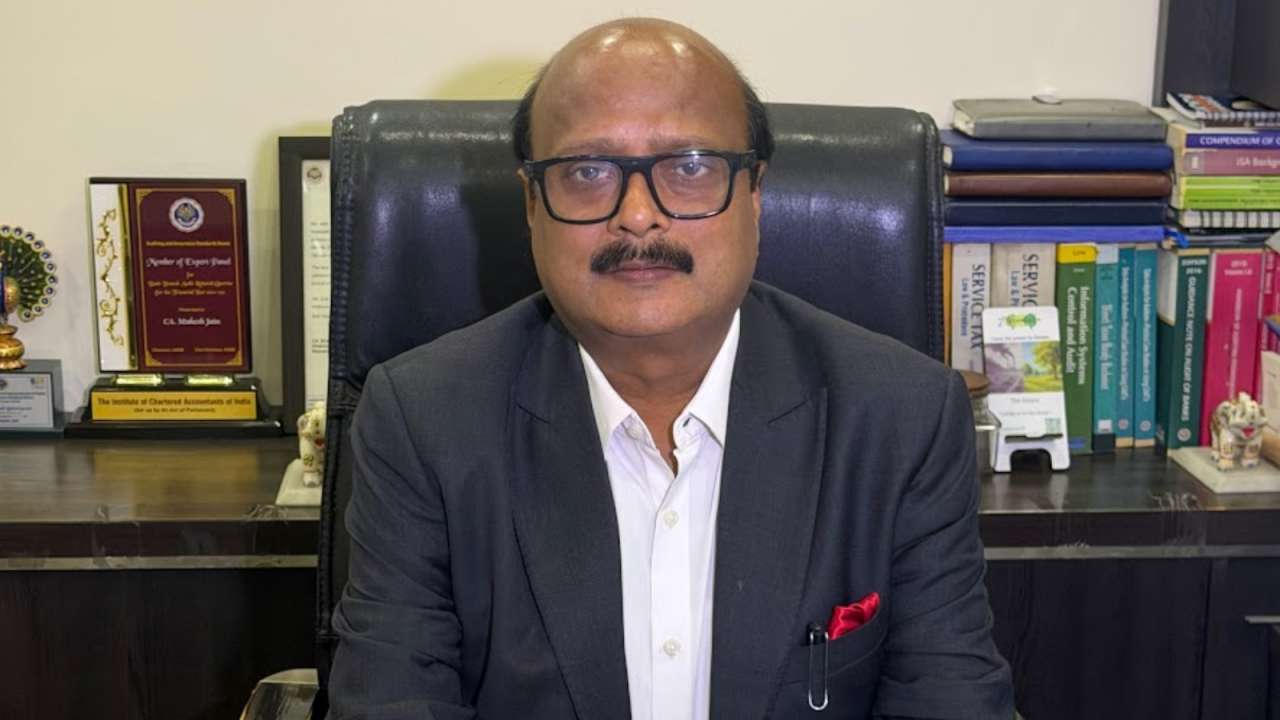 When CA Mukesh Jain Tested Kwala Intel: Inside the AI market wizard that money managers now swear by
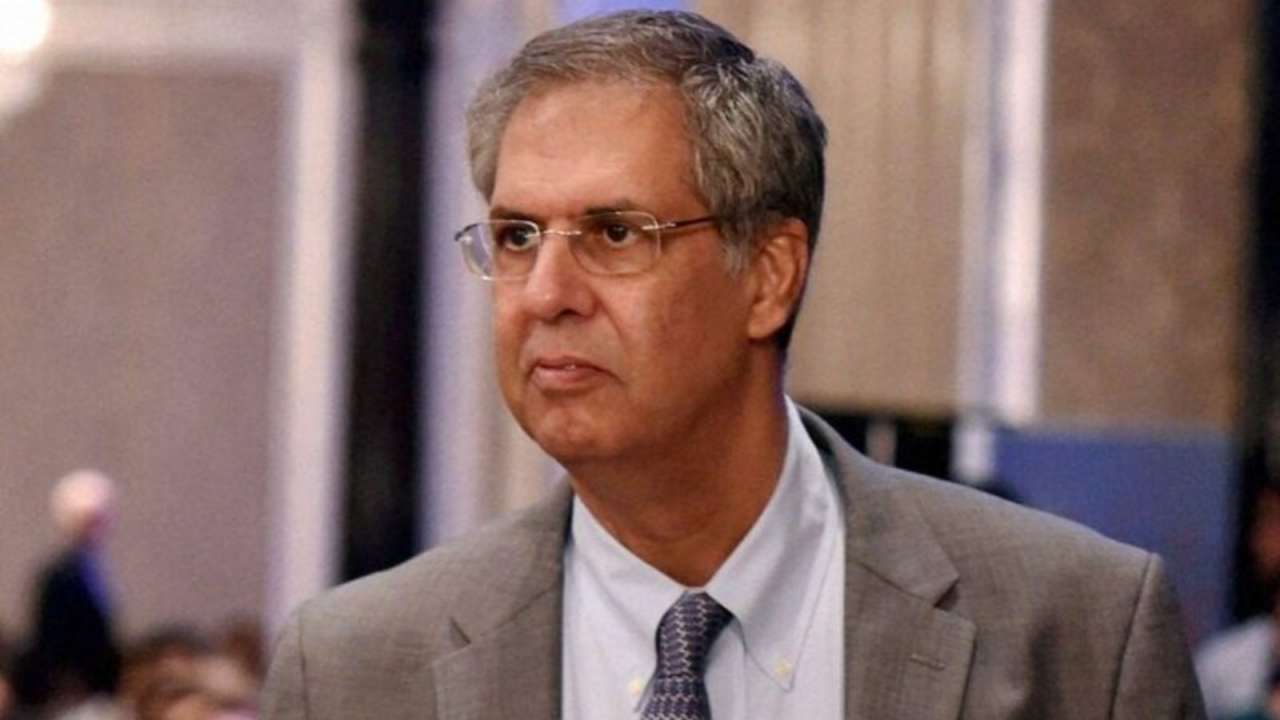 Tata Group Power Struggle Intensifies: Noel Tata quits boards of six companies, what next?
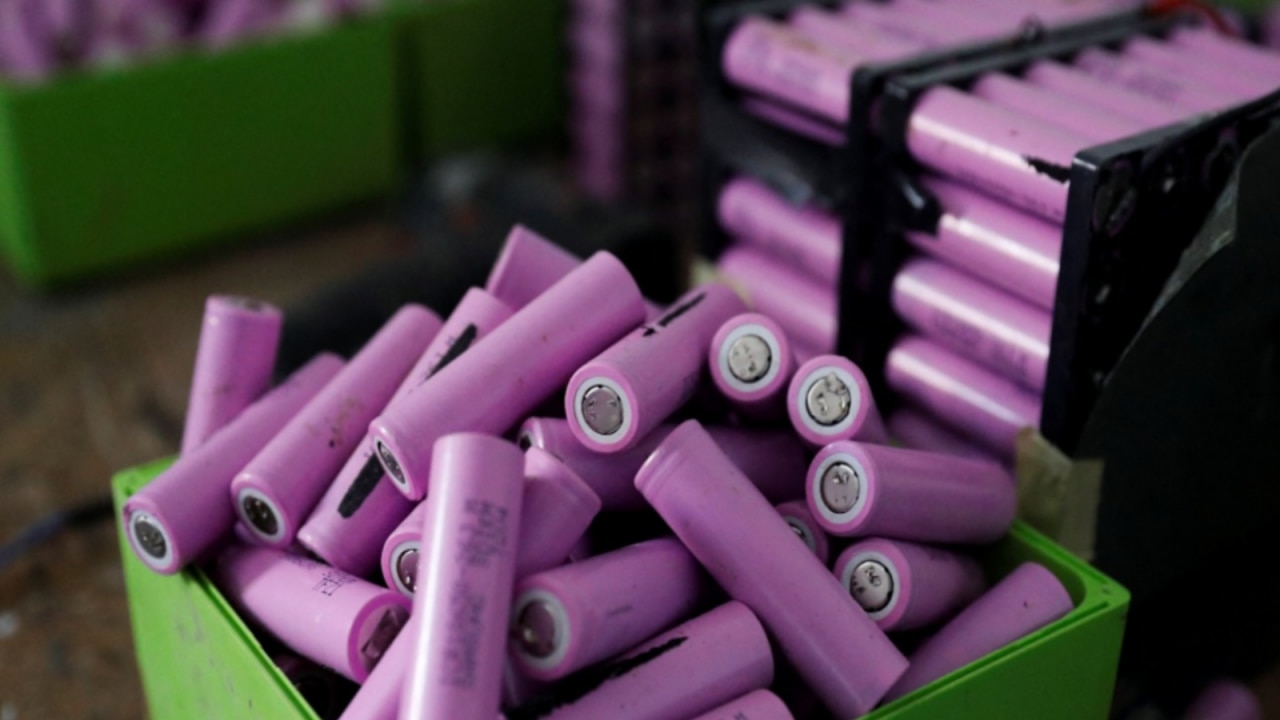 India bans lithium-ion battery waste exports: What's the reason behind the move?
 Why Mother Dairy, Amul to hike milk prices in Delhi-NCR from November 12?
 Arshdeep Singh and Samreen Kaur take relationship to next level: See engagement pictures
 Akash Ambani's first reaction after Hardik Pandya trade, welcomes Arshdeep Singh to Mumbai Indians
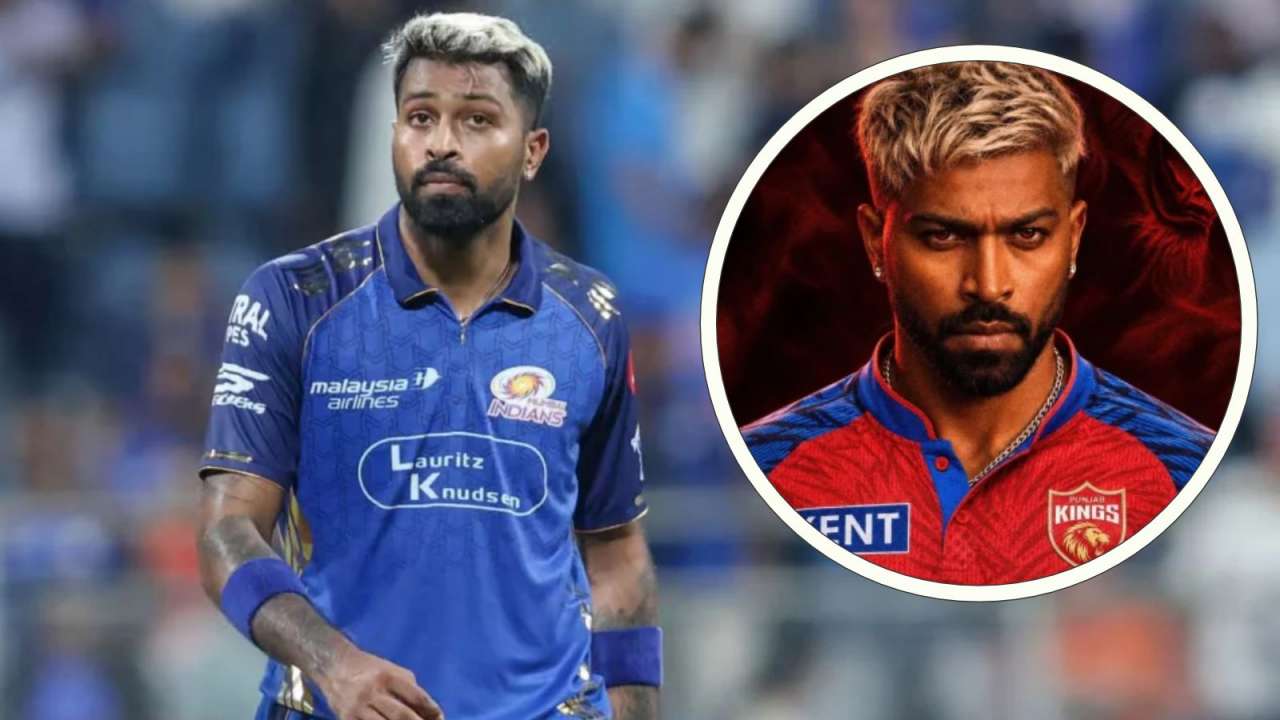 Hardik Pandya drops first message after joining PBKS goes viral, says 'Sat Sri Akal Punjab'
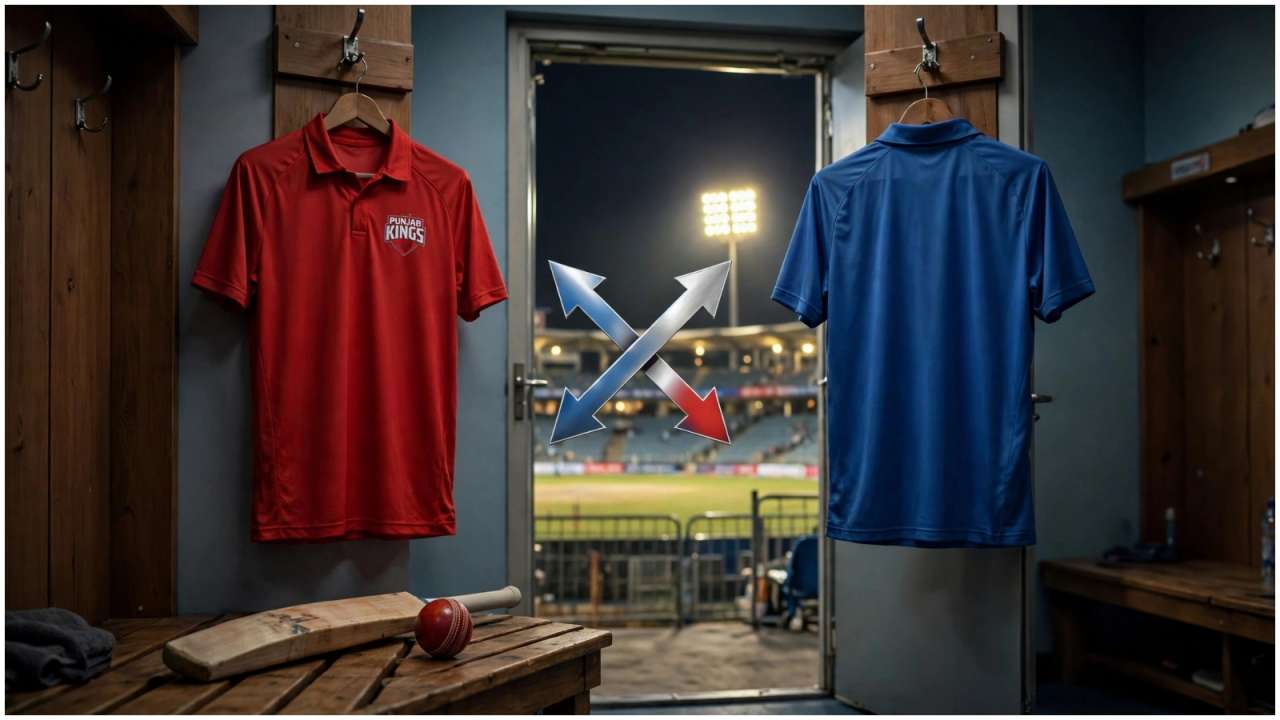 IPL 2027 trades: Full list of players who have switched teams, Hardik-Arshdeep deal included
 Irfan Pathan makes big statement on Arshdeep Singh's trade to MI, says 'Makes Mumbai Indians a stronger side'
 Nvidia-Jensen Huang News: 'Would Be An Honor To Hire Him...' Will Musk Save Huang After Resignation
 J&K News: 'Won't Spare You...' 2 Days Before Kulgam Attack, CRPF Got Unexpected Warning By Boy
 J&K News: Two Special Police Officers Who Went Missing In Kishtwar District Found Dead
 Assam Train Accident: 'Break Failure Or Control Loss...' 300 Passengers Escape Death; What Happened?
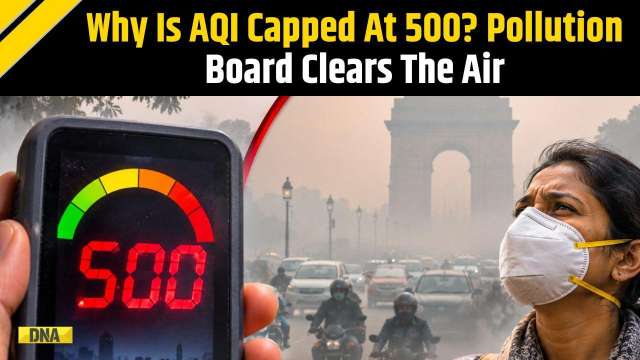 Delhi AQI News: Why India’s Official AQI Stops At 500 While Private Apps Show Readings Above 1,500
INDIA
PUC Result: Karnataka Secondary Education Examination Board KSEEB is likely to announce KSEEB PUC Results 2017 on May 11. Students who appeared for the KSEEB PUC 2017 exams under Karnataka board, can check their KSEEB 12th result 2017 on board websites. The result is expected to be published on kseeb.kar.nic.in & karresults.nic.in.

Updated : May 11, 2017, 10:26 AM IST















PUC Result: Karnataka Secondary Education Examination Board KSEEB is likely to announce KSEEB PUC Results 2017 on May 11. Students who appeared for the KSEEB PUC 2017 exams under Karnataka board, can check their KSEEB 12th result 2017 on board websites. The result is expected to be published on kseeb.kar.nic.in & karresults.nic.in.
Students need to access the websites to check their KSEEB 2nd PUC results 2017.
Karnataka Secondary Education Examination Board came in to existence in the year 1966, has been conducting SSLC and other examinations. Every year the student strength is increasing tremendously.
Every year in April about 8.50 Lakhs & in June 1.50 Lakhs students are appearing for the SSLC examinations.
The board has decided to improve the evaluation system and the results, has set up divisional offices of the Board. This decentralization caters to the need of the student needs at their proximity. The board is now providing Admission Tickets with student photographs and major breakthrough in this venture is the photos being used in the repeaters Admission Tickets also.
The board has ventured to conduct the supplementary examination for the failed candidates of the examination of March in June month of every year itself; this will enable the students who would be successful in the June examination to join higher education courses in the same academic year from July itself. This process was introduced first time in the country.
Here's how you can check KSEEB 12th / PUC Results 2017:
1. Visit websites: kseeb.kar.nic.in or karresults.nic.in.
2. Click on KSEEB 2nd II PUC/ PUE Results 2017.
3. Enter your Karnataka Board 12th XII roll number.
4. Click Karnataka Board PUC Result 2017 and 'Submit'
5. Your result will be flashed on the screen.
6. Take a printout of the Karnataka Board PUC Result for future use.